To create an account on the Colleague AI platform, go to www.colleague.ai and click on “Try the Platform”.
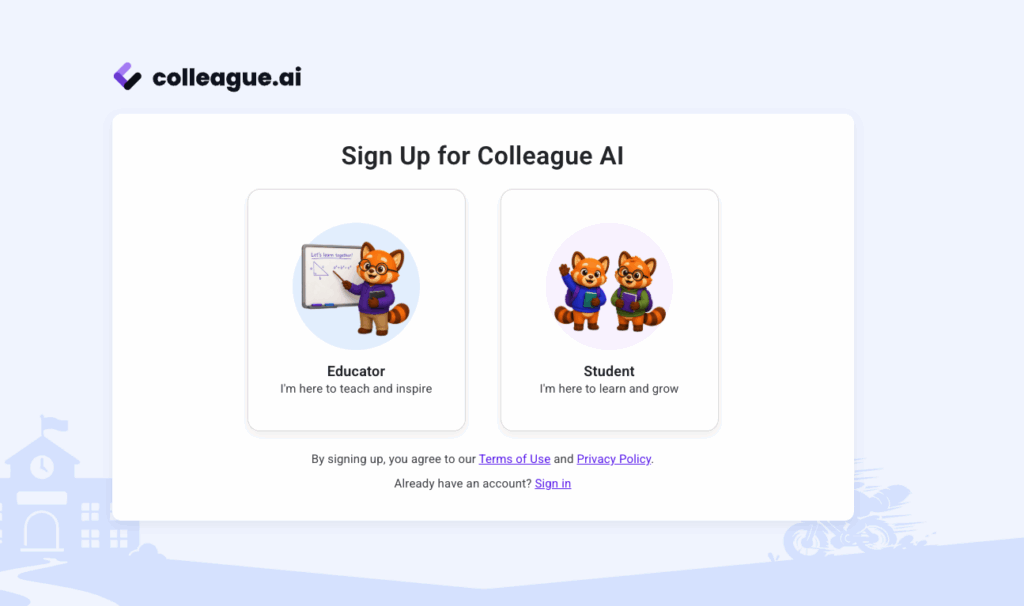
From there, you will be prompted to choose either an educator account, or a student account.
Choose “Educator”:
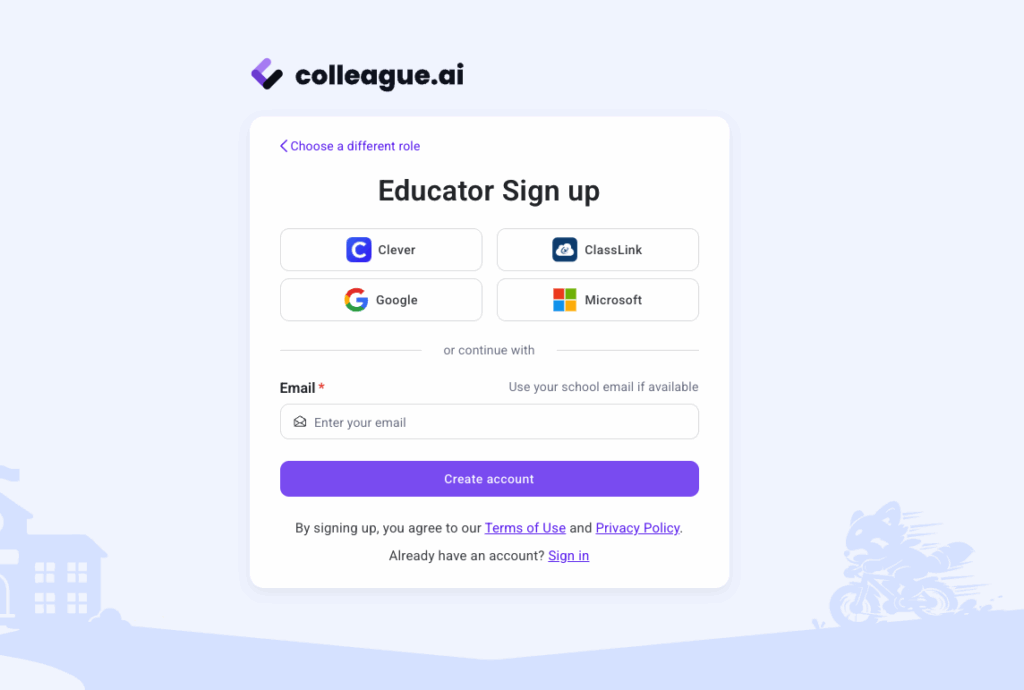
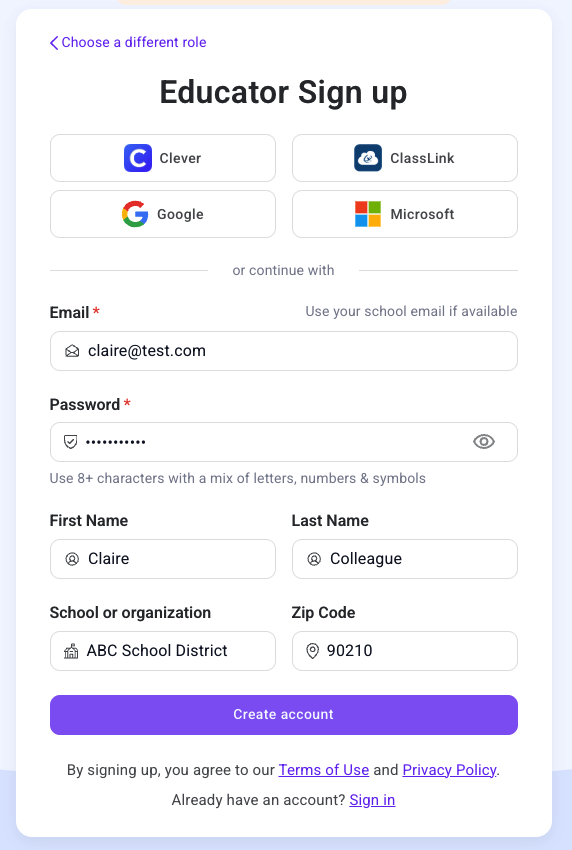
You will then have a choice of how you create an account.
The four buttons across the top (Clever, ClassLink, Google, Microsoft) let you sign in with whatever identity system your school already has set up.
If you don’t want to use any of these options, underneath them, past a plain “or continue with” divider, there’s an option to use your own email to create an account:
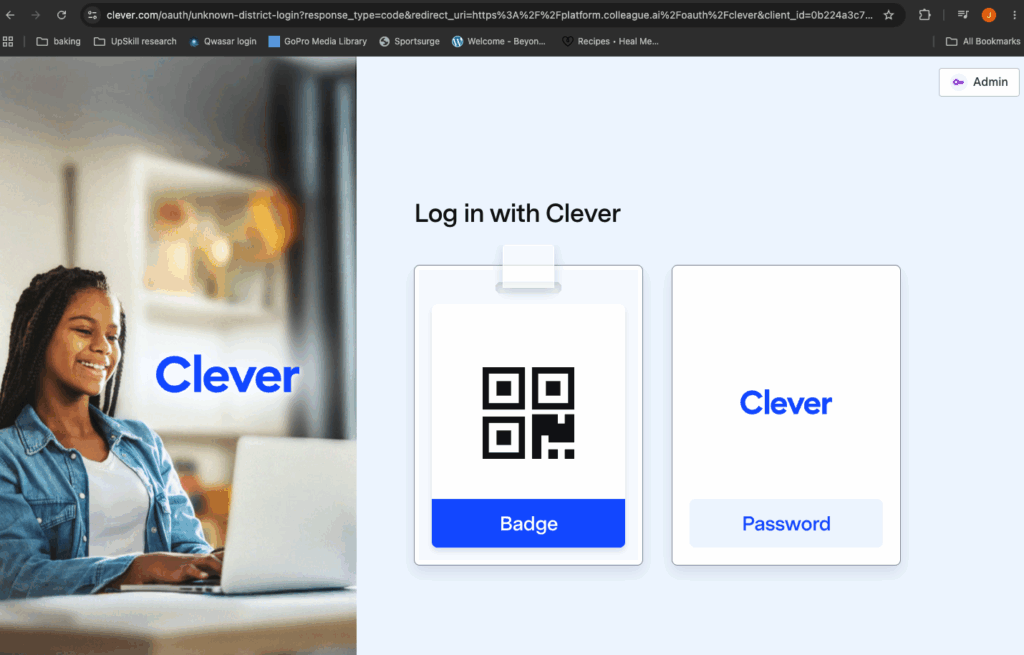
If you choose Clever, you’ll be prompted to login via Clever:
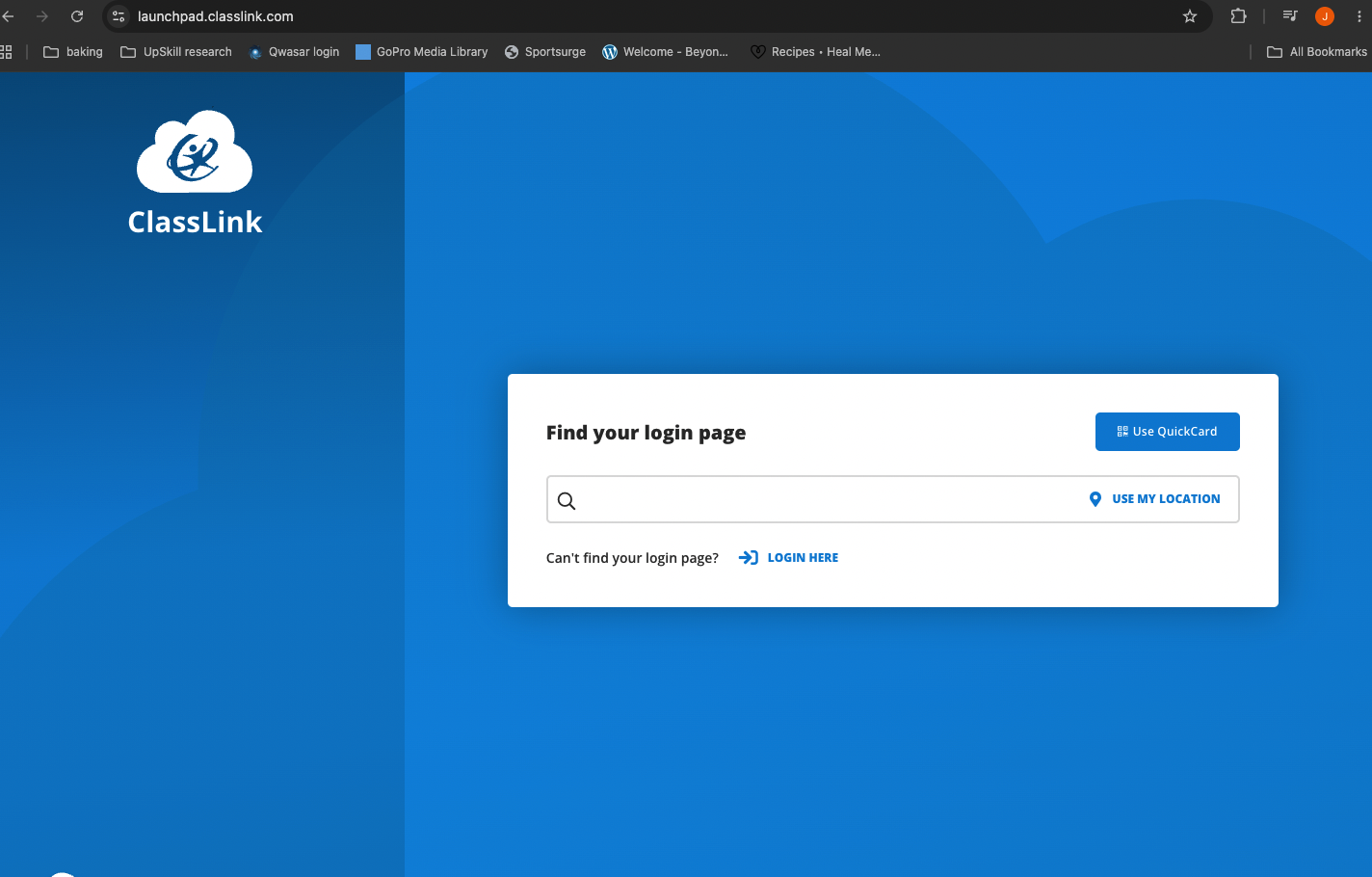
If you choose Classlink, you’ll be prompted to login via Classlink:
If you choose Google or Microsoft, you will be prompted to choose the email account with which you want to create an account, and then be asked to approve the access required.
If you prefer to just create an account using an email address, you’ll need to fill in the required fields:
From there, you will land on the Colleague AI platform, ready to create your first activity, assignment, lesson plan, and more!