At 4pm on a Thursday, your principal sends a request for your first-unit backwards planning documentation. They need the standards alignment, pacing plan, formative assessment strategy, and connection to the district’s adopted curriculum.
By tomorrow.
Every teacher knows this is largely an exercise in written communication and putting on paper what is already in your mind or happening in practice. The instructional thinking already exists and is evident across lesson plans, slides, curriculum materials, assessment notes, and the adjustments you’ve made since students walked through the door. Now you need to make that thinking visible in an administrator-ready document.
Colleague AI helps teachers turn their existing instructional materials into clear, standards-aligned curriculum documentation. Our AI assistant organizes the information, identifies connections, and produces a draft that you can review, revise, and submit.
Common Curriculum Documentation Requirements
Your principal needs documentation showing four things:
-
Which standards the unit addresses
-
How instruction progresses across the unit
-
How you’re checking student understanding
-
How your plan connects to the district’s adopted curriculum
Colleague AI brings those pieces into one workspace and helps you produce a coherent record of the unit you’re actually teaching.
How to Create Curriculum Documentation for Your Principal
Step 1: Add the Unit Materials
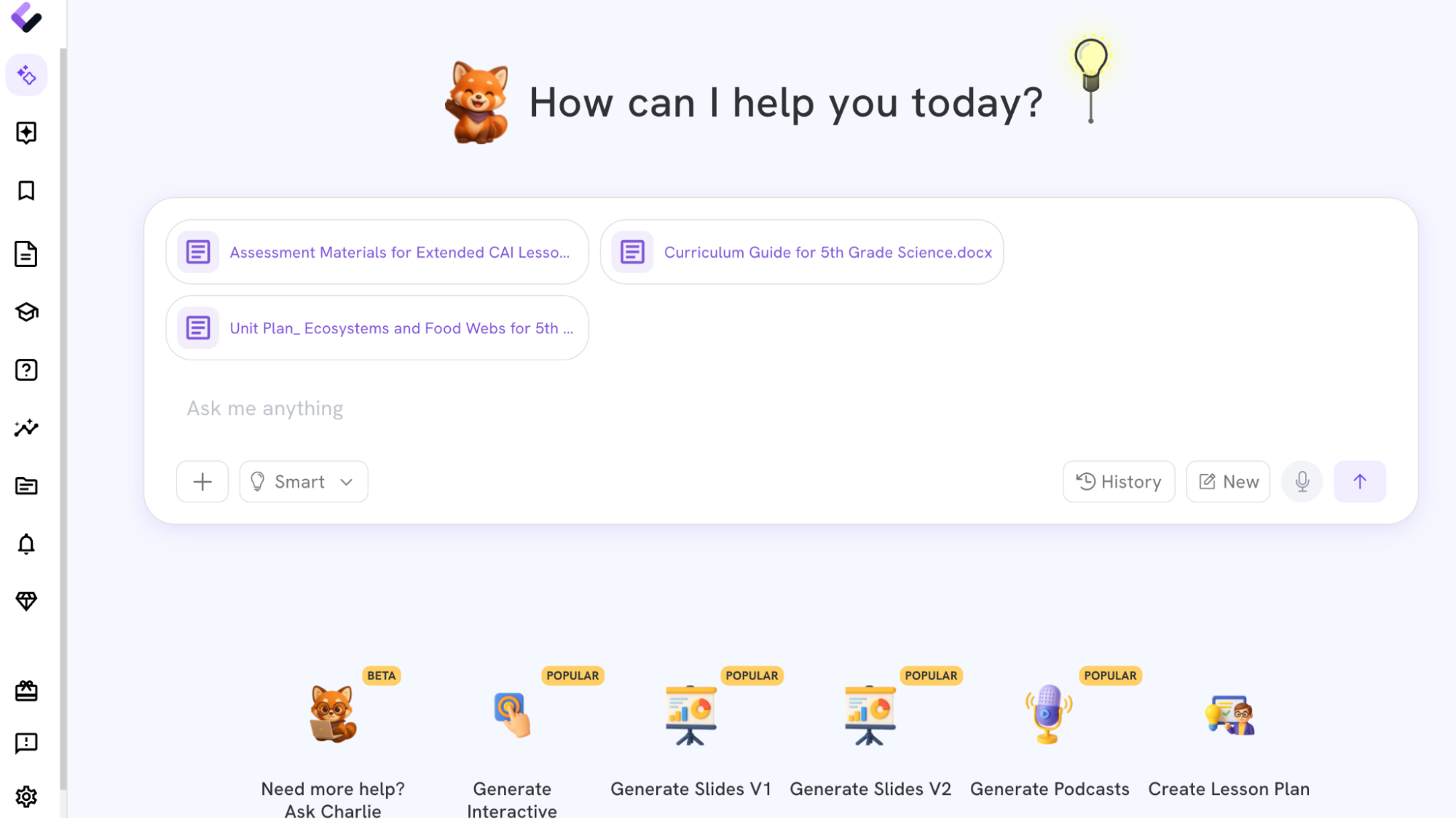
Open a Colleague AI workspace and upload the materials connected to the unit.
Include the district curriculum guide whenever possible. This gives Colleague AI the source material it needs to describe the relationship between your instructional decisions and the adopted curriculum.
You might upload:
-
The district’s Unit 1 curriculum document
-
Your weekly lesson plans
-
The unit assessment
-
Two or three formative assessments
-
Assignments, rubrics, or exit tickets
-
Notes about changes you’ve made for students
-
The relevant state standards
-
A pacing calendar or instructional schedule
-
District curriculum guides if they are not already part of the Colleague AI platform (depends on your subscription level)
Step 2: State the Administrative Requirements
Tell Colleague AI exactly what your principal requested.
Sample Prompt to Use:
Create principal-facing curriculum documentation for my first unit. Include:
-
A brief unit overview
-
A standards-alignment table
-
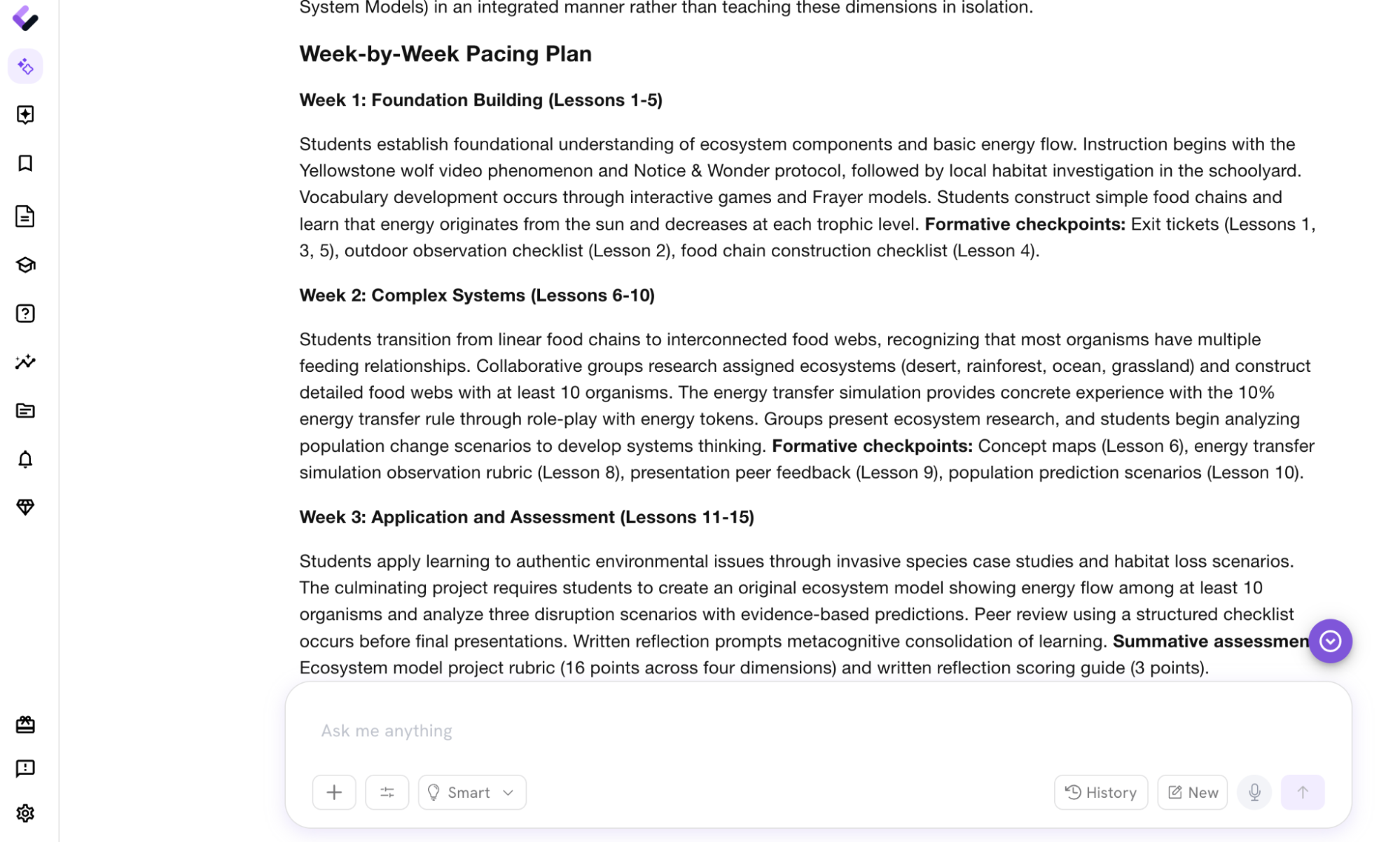
A week-by-week pacing plan
-
A formative assessment strategy
-
Connections to the district’s adopted curriculum
-
A description of how assessment evidence informs instructional adjustments
Use the uploaded materials as the primary source. Identify any missing information or areas that require my professional judgment. Write in clear, professional language suitable for an administrator reviewing curriculum implementation.
Specific prompts produce more useful drafts. Naming the intended reader also helps Colleague AI select the right level of detail.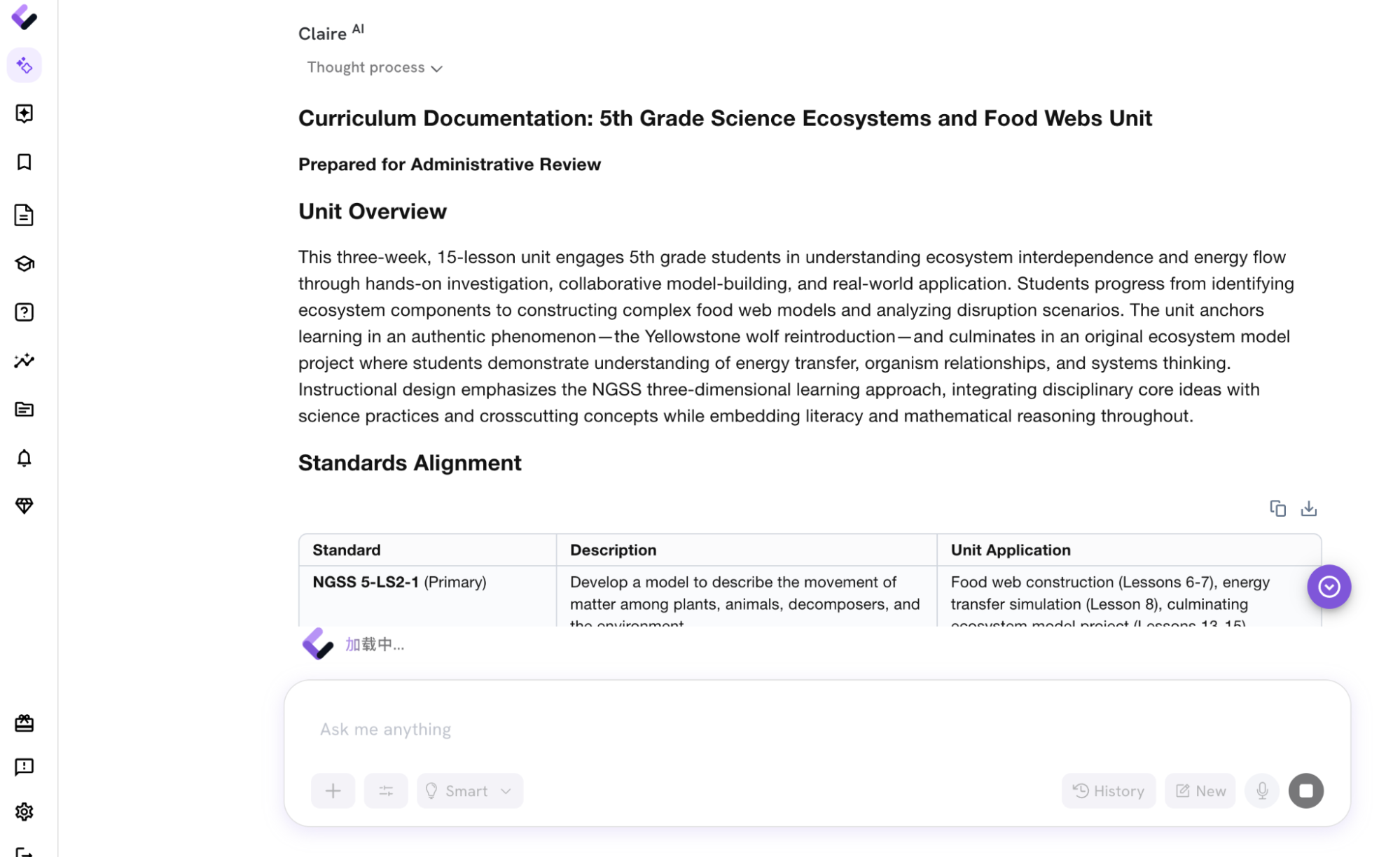
Step 3: Review the Generated Materials
Colleague AI will create a structured draft from the uploaded materials.
Read and review it to ensure it aligns with your professional judgement. Best practice is to use the “Human In, Human Out” process, always being a critical consumer of AI outputs.
If Required: Create the Diagnostic Assessment
Your principal’s template may ask for the diagnostic assessment connected to the unit. If that’s the case, learn how to create a diagnostic assessment here.
Before You Submit the Document
Colleague AI can produce the draft quickly. Your review gives the document its accuracy and instructional meaning.
Check these five areas:
-
Confirm every standard is actually taught and assessed.
-
Replace generic language with the names of your district’s curriculum resources.
-
Update the pacing section to reflect what happened in class.
-
Add any scaffolds or extensions that Colleague AI couldn’t infer from the materials.
-
Verify that the assessment strategy describes decisions you intend to make.
Then export the document, place it in your principal’s requested format, and submit it.