Friday afternoon has finally arrived after the first week.
Your classroom is quieter. The first week’s papers are stacked in several places you’ll definitely remember on Monday. You’ve learned 28 names, answered 400 questions, redirected the pencil sharpener line, and explained the dismissal procedure enough times to hear it in your sleep.
You still want to send each family a first-week message.
A real one.
You want families to know and feel that their child was seen. You want to begin the year with warmth, clarity, and an open line of communication. You also have 28 students and roughly three working brain cells left.
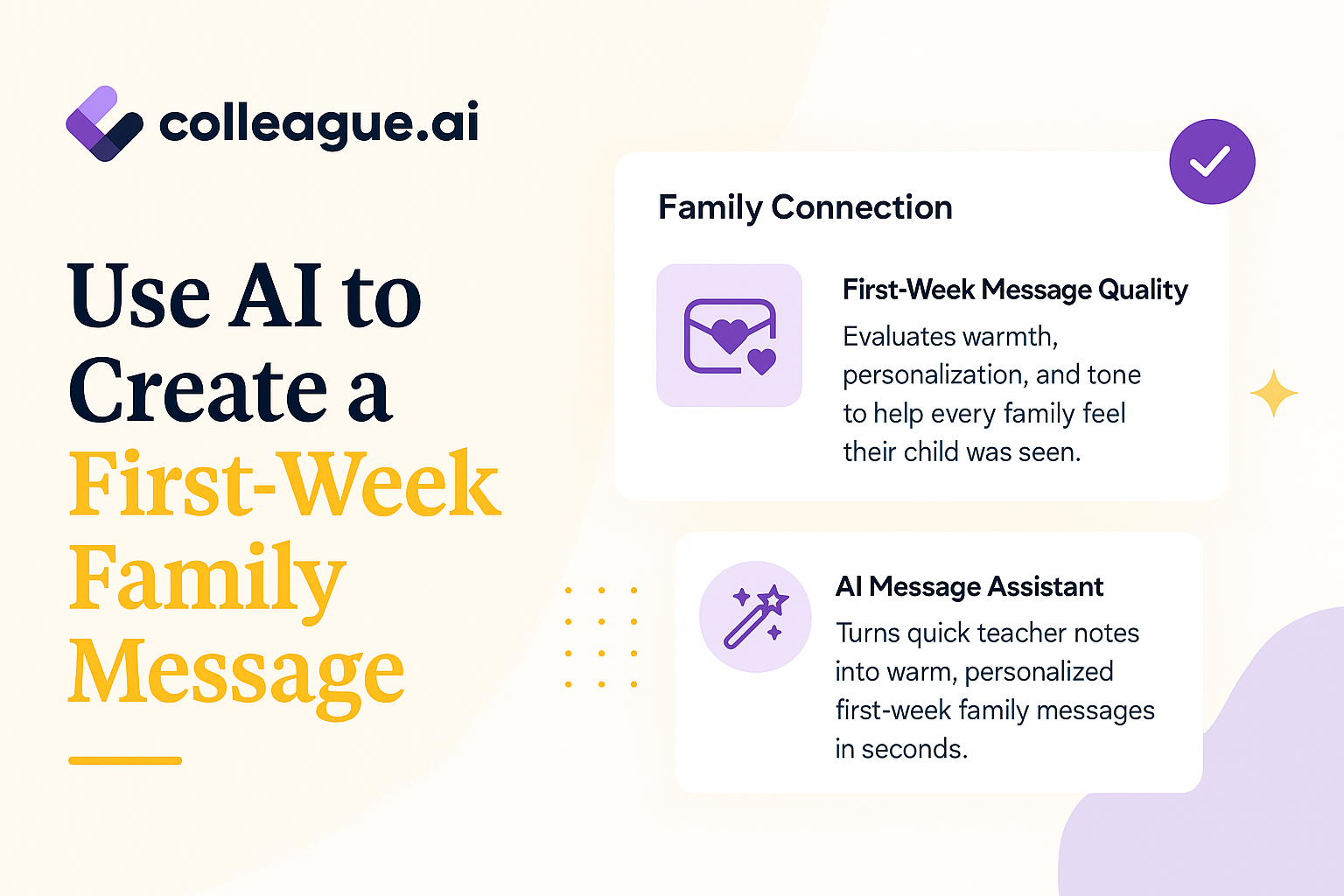
Here’s how to use AI to turn the observations you already gathered into warm, professional family messages while keeping you in control of every word.
Without AI, Drafting Individual Messages Takes Hours
The first family message of the year carries more weight than its length suggests.
It tells families what kind of relationship they can expect, and gives them an early glimpse of how their child is settling in. It also creates a foundation for future conversations about learning, participation, attendance, or support.
A generic classwide message can share important logistics, but a personalized message adds something different: evidence that this teacher already knows my child.
The challenge is volume: 1 thoughtful message takes 5 minutes, times 28 students \= 140 minutes or 2hrs 20min, i.e. leaving at 6:30pm on a Friday after a long week.
Also, writing 28 can consume more than 2 hours when you’re trying to vary the wording, check the tone, and avoid sounding like every message came from the same template.
How to Use AI To Go From Quick Notes to a Family-ready Message
A good K-12 AI tool doesn’t need extensive prose on each student. For one student, your notes might look like this:
-
Maya
-
volunteered to explain her math strategy on Wednesday
-
invited a new student to join her table group
-
seemed hesitant during independent writing
-
family prefers messages in Spanish
-
keep the message warm and concise
These are the teacher’s observations and professional judgments. Colleague AI can help shape them into communication that is clear, specific, and ready for review.
1. Tell Colleague AI what you’re creating
The teacher begins with the purpose, audience, and desired tone.
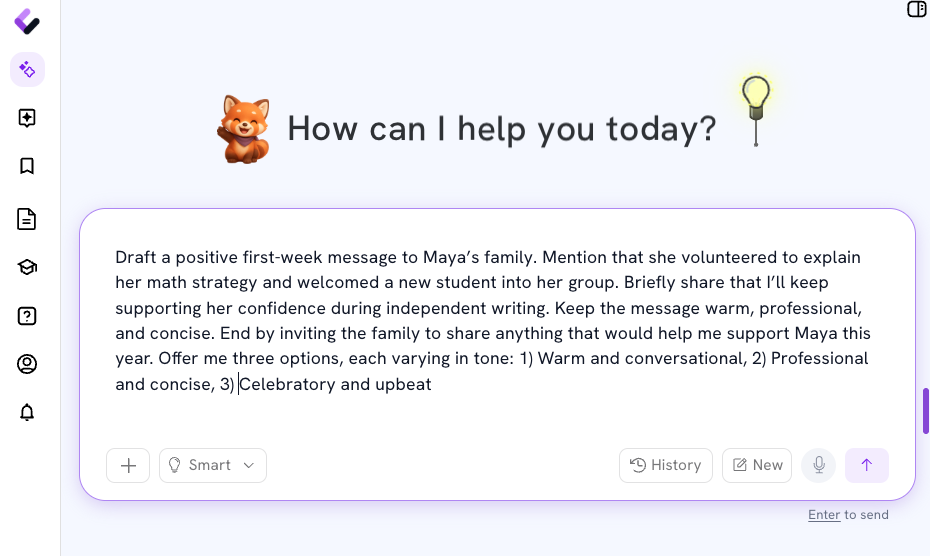
Example prompt
Draft a positive first-week message to Maya’s family. Mention that she volunteered to explain her math strategy and welcomed a new student into her group. Briefly share that I’ll keep supporting her confidence during independent writing. Keep the message warm, professional, and concise. End by inviting the family to share anything that would help me support Maya this year.
The teacher can also ask Colleague AI to create several tone options at once.
For example:
-
Warm and conversational
-
Professional and concise
-
Celebratory and upbeat
2. Review the first draft
Colleague AI uses the teacher’s notes to create a complete message.
Sample output: Warm and conversational
Hello Maya’s family,
Maya had a strong first week in our classroom. She volunteered to explain her math strategy to the class, and I also noticed her making space for a new student at her table. Those moments showed both confidence and kindness.
I’ll continue encouraging Maya as she builds confidence during independent writing. I’m looking forward to learning more about her strengths and interests as the year continues.
Please feel free to share anything that would help me support Maya this year. I’m glad she’s part of our classroom community.
The message includes concrete evidence from the week. It also introduces an area of support without making the first communication feel corrective or alarming.
The teacher reads it, adjusts any wording that doesn’t sound like them, and confirms that the message accurately reflects what happened.
3. Specify Your Tone Options
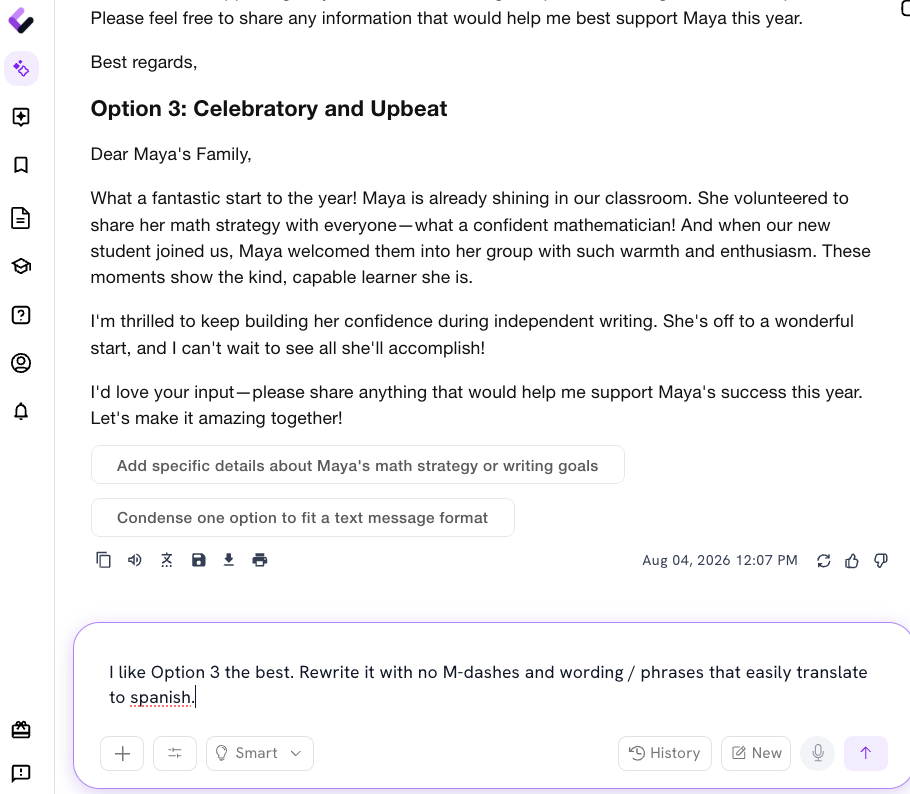
Some teachers write with lots of warmth. Others prefer a shorter, more direct style. Colleague AI can generate versions that preserve the same facts while changing the tone.
Professional and concise
Hello Maya’s family,
Maya had a positive first week. She shared her mathematical thinking with the class and helped welcome a new student into her group. I’ll continue supporting her confidence during independent writing.
I’m glad to have Maya in class and look forward to working with your family this year. Please share any information that may help me support her learning.
Celebratory and upbeat
Hello Maya’s family,
Maya gave us several reasons to celebrate during our first week. She confidently explained a math strategy to the class and showed kindness by welcoming a new student to her table group.
I’m excited to help Maya keep building confidence during independent writing and to learn more about what motivates her. She’s already contributing so much to our classroom community.
I’d love to hear anything your family would like me to know as we begin the year together.
If you don’t like what’s produce, use the chat function to instruct our AI assistant on the tone you want.
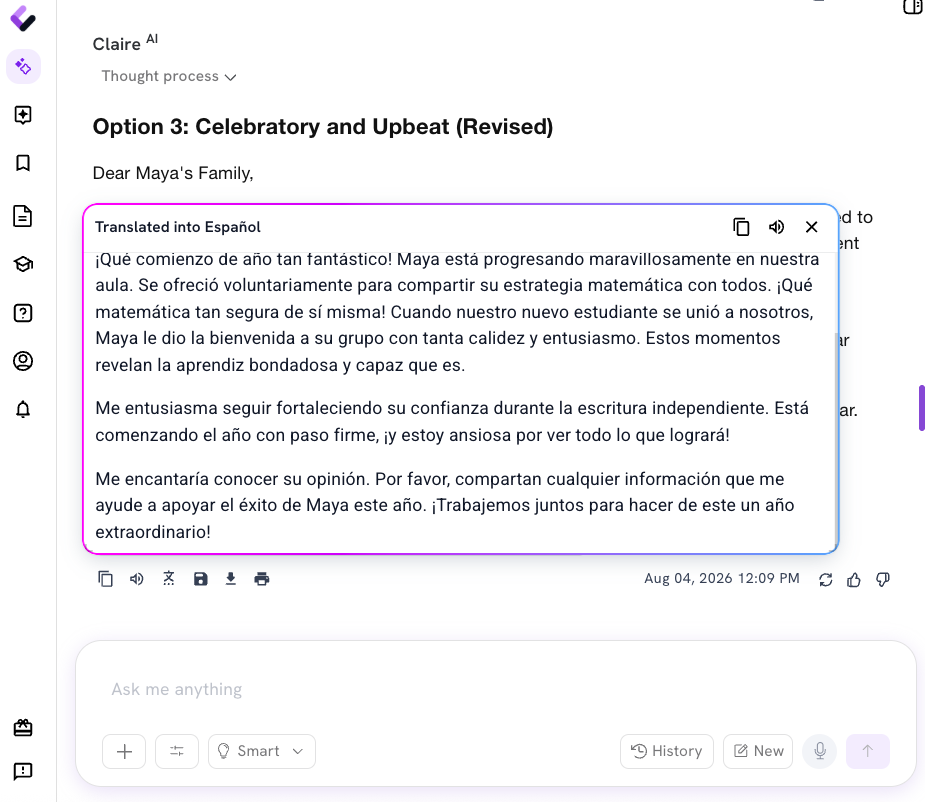
4. If applicable, create a translated version
Translation works best when the original message is written clearly, which means no long sentences, idioms, jokes, and school-specific jargon that can create confusion across languages.
You may need to adjust your note for a specific student if it needs to be translated for their family:
Example prompt
Rewrite this message in plain, translation-ready English. Keep the tone warm. Use short sentences and avoid idioms, abbreviations, and education jargon. Preserve every detail about Maya.
Sample output: Translation-ready English
Hello Maya’s family,
Maya had a positive first week at school. She explained one of her math strategies to the class. She also welcomed a new student to her table group.
I will continue helping Maya feel confident during independent writing.
I am happy that Maya is part of our class. Please share any information that can help me support her learning this year.
Review the “plain-English” version and then use the district’s approved translation process, or the Colleague AI platform to create a translated version.
5. Repeat the structure without repeating the message
The next student’s notes might focus on persistence during a science task. Another message might recognize careful listening, curiosity, humor, collaboration, or growth across the week.
Colleague AI can maintain a consistent structure while changing the details and language for each student.
A reusable prompt might say:
Create a first-week family message using the student notes below. Include one specific strength, one moment from the week, and one area I’ll continue supporting. Keep the message under 150 words. Make the wording distinct from previous messages. End with an invitation for the family to share information about the student.
Repeat for each student using the notes you have or any assignments or activities in the Colleague AI platform..
This approach keeps the messages grounded in individual observations. It also reduces the mental load of beginning every message from a blank page.
You Always Have the Final Say and Review
Every message should receive your review before it reaches a family.
Check that:
-
The student details are accurate.
-
The tone fits the teacher-family relationship.
-
The message protects student privacy.
-
Any learning concern is framed clearly and appropriately.
-
The communication follows district policies.
-
Translations use approved district processes.
Colleague AI provides context and drafting support but only you bring knowledge of the student, the family, and the classroom community.
The message families remember
By Friday afternoon, teachers have already made hundreds of decisions about routines, instruction, safety, behavior, and belonging.
A first-week family message gives one more decision a little more room: What do I want this family to know about their child?
Start with the moment you noticed. Let Colleague AI help with the draft. Then send a message that tells a family, clearly and specifically, that their child already has a place in the room.