It’s 9:47 p.m. You’re clearing the last few notifications before bed when a new email lands in your inbox and you see the subject line:
“Completely Unacceptable”
The email begins:
My child says you embarrassed them in front of the entire class today. I’m extremely concerned about how you’re treating students, and I expect an explanation immediately.
You remember redirecting the student twice during independent work. You remember speaking quietly. You also know that the student may have experienced the moment differently.
You need to respond with care, accuracy, and enough restraint to keep a tense email from becoming a larger conflict. You’re also tired, frustrated, and currently drafting sentences that begin with, “For the record…”
This is a good moment to bring in Colleague AI.
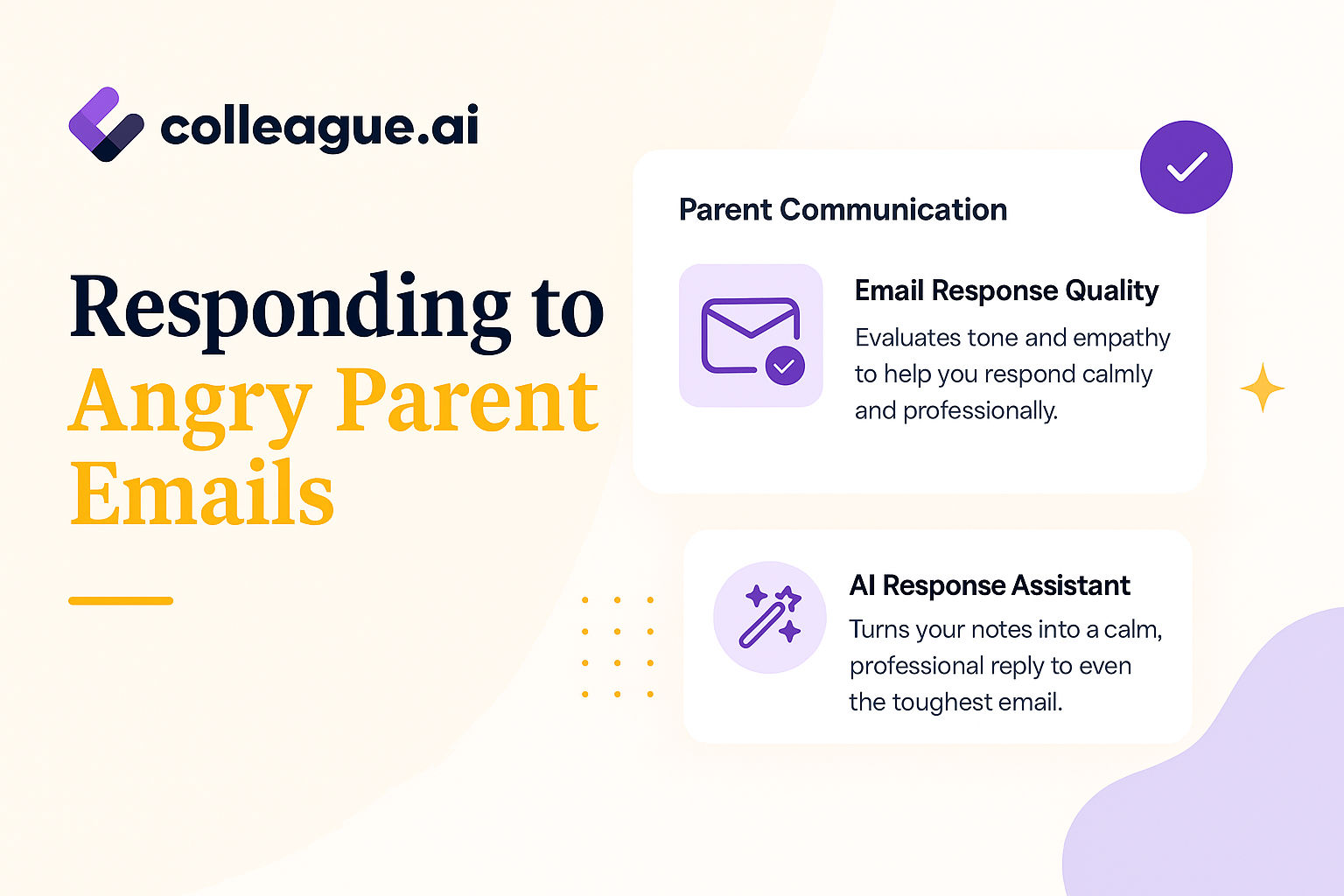
Colleague AI can help you organize the response, check its tone, and produce a professional first draft. You remain the author and decision-maker. You choose which facts belong, which wording feels accurate, and whether the situation needs administrator involvement.
The situation
Here’s the classroom context behind the email:
-
During independent work, a student repeatedly called across the room to classmates.
-
The teacher gave one whole-class reminder and then approached the student privately.
-
The teacher asked the student to move to a nearby seat to complete the assignment.
-
The student appeared embarrassed and stopped participating.
-
The parent emailed that evening and described the interaction as public humiliation.
-
The teacher wants to clarify what happened while taking the student’s experience seriously.
The first task is getting the facts out of your head and into a form Colleague AI can work with.
Step 1: Choose “Prepare School Emails” and Explain the Situation to The AI Assistant
Colleague AI’s Assistant will ask you a few questions such as:
- What is the email content or issue that needs to be addressed?
(For example: responding to a parent concern, requesting resources from administration, addressing a student behavior issue, etc.) - What is the desired response or outcome you want to convey in the email?
(What action or understanding do you want from the recipient?) - What should the tone of the email be?
(For example: formal, friendly, professional, stern, empathetic, collaborative, etc.) - From what point of view should the email be written?
(For example: teacher, department head, administrator, principal, counselor, etc.)
Describe the situation in plain language.
Sample Prompt
Help me draft a response to a parent who sent an angry email.
The parent says I embarrassed their child in front of the class. During independent work, the student repeatedly called across the room to classmates. I gave the whole class a reminder about voice level. When the behavior continued, I walked over and quietly asked the student to move to another seat so they could finish the assignment.
I want the response to acknowledge the parent’s concern, explain what I observed, avoid sounding defensive, and invite the parent to talk with me. Keep it warm, professional, and concise.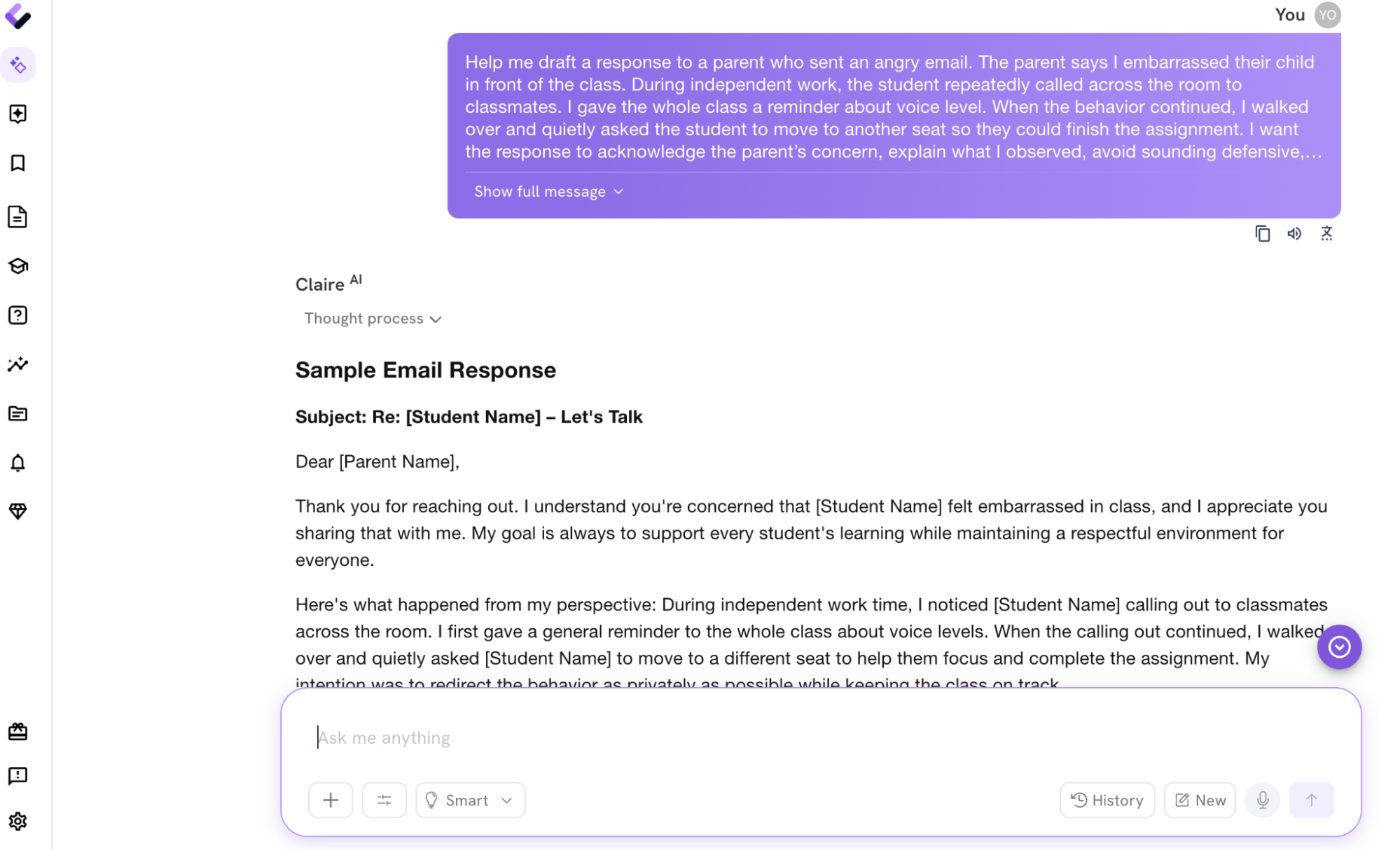
This prompt gives Colleague AI four useful pieces of information:
-
What the parent believes happened.
-
What the teacher directly observed.
-
What tone the teacher wants.
-
What outcome the teacher hopes to reach.
Specific details produce a stronger draft than a general request such as, “Write a response to an angry parent.”
Step 2: Review the first draft
Colleague AI might produce a response like this:
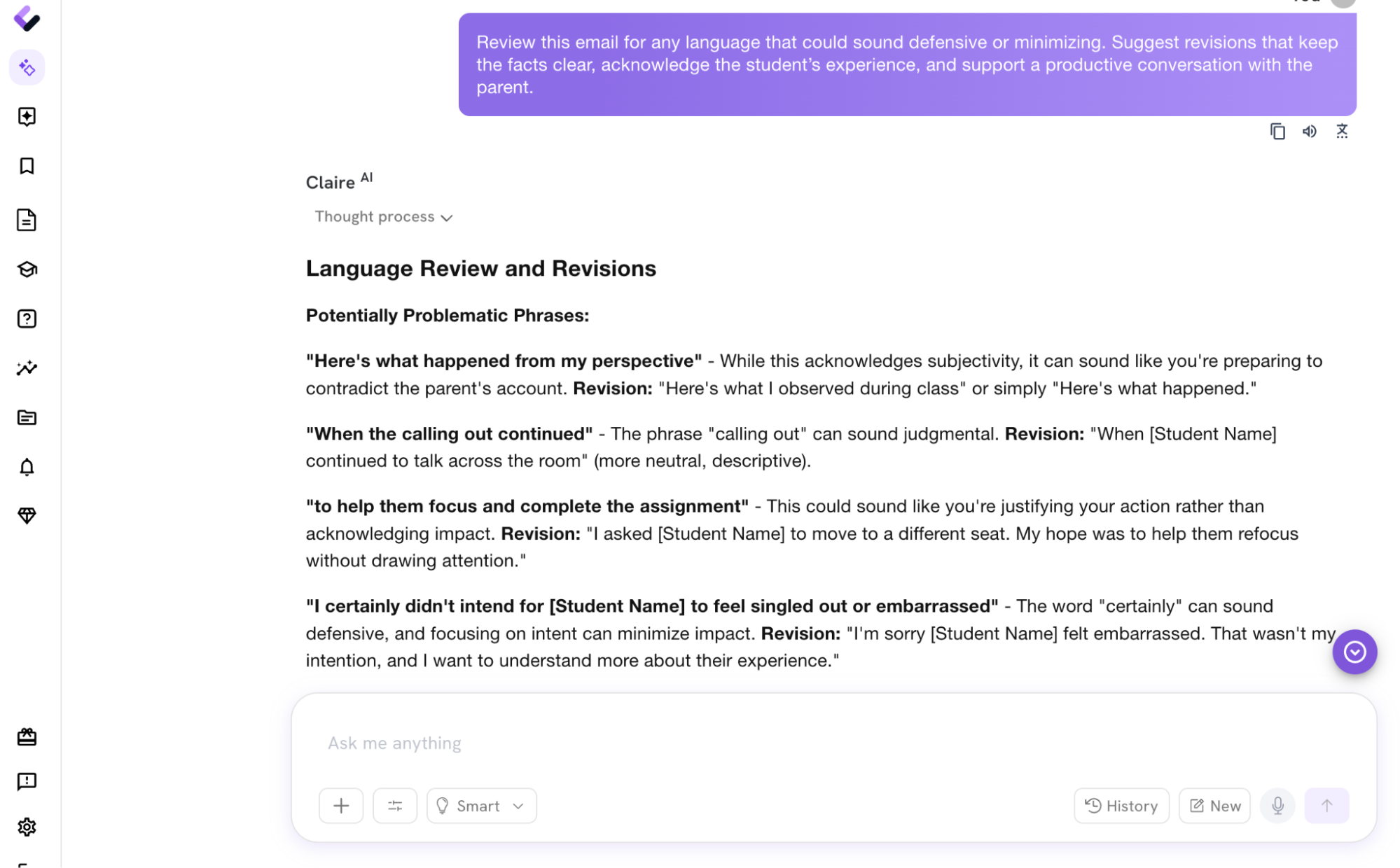
The draft acknowledges the concern, explains the sequence of events, and creates room for conversation. It also avoids deciding whose interpretation is correct within the email.
That matters. The parent has shared one account. The teacher has another set of observations. A useful response holds both pieces of information long enough for the adults to talk productively.
Step 3: Review the Draft
Before sending, compare the draft with what you can document.
Verify these details
-
Sequence: Did the whole-class reminder happen before the private redirection?
-
Location: Was the conversation truly quiet and close to the student?
-
Language: Do you remember the wording you used?
-
Follow-up: Did the student return to work, disengage, or leave class upset?
-
Documentation: Is there a behavior note, seating chart, assignment record, or colleague who observed part of the interaction?
-
Policy: Does your school expect an administrator, counselor, or case manager to be included?
Edit any sentence that reaches beyond what you directly observed.
For example, “The student was trying to distract others” assigns motive. “The student called across the room several times during independent work” describes behavior.
That distinction keeps the response grounded in facts.
Check for phrases that may read as defensive, dismissive, or overly formal.
Sample editing prompt
Review this email for any language that could sound defensive or minimizing. Suggest revisions that keep the facts clear, acknowledge the student’s experience, and support a productive conversation with the parent.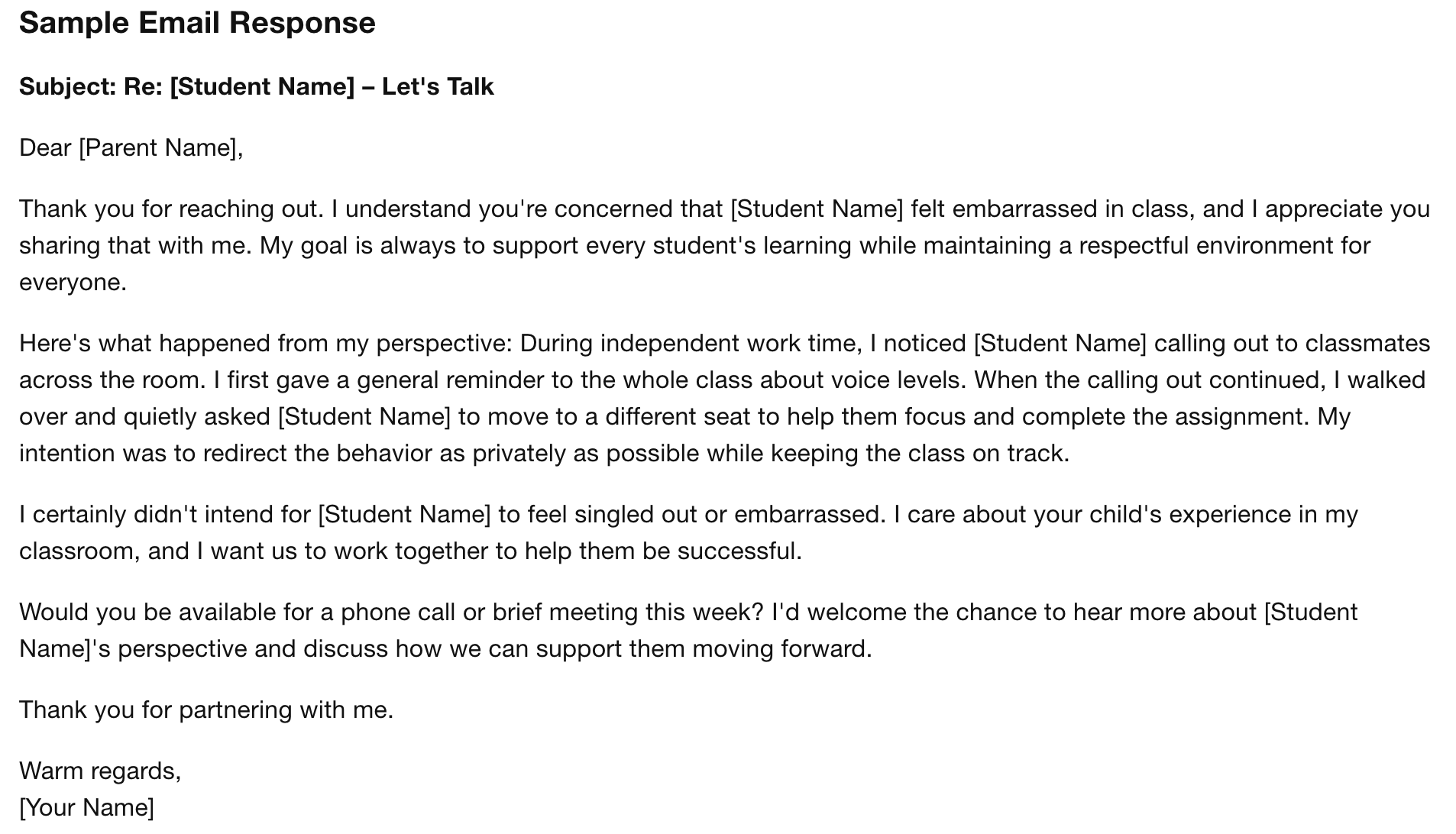
You can also ask for targeted adjustments:
For a warmer version
Make the opening warmer while keeping the email professional.
For a shorter version
Reduce this to 150 words while preserving the key facts and invitation to talk.
For a more formal situation
Revise this for a situation where an administrator will be copied.
For a parent who has emailed several times
Keep the response calm and concise. Clarify the next step and avoid repeating points already addressed.
Each revision gives you options. Your professional judgment determines which version fits the relationship, the school context, and the student’s needs.
Step 5: Add the human details
Before sending, personalize the response.
Include the student’s name. Add a sentence that reflects something true about them.
For example:
I value the curiosity [Student Name] brings to class, and I want them to feel comfortable participating.
Or:
[Student Name] has contributed thoughtful ideas during our opening discussions, and I want to support that engagement.
A specific sentence communicates that the student is known as a person. It also keeps the conversation connected to the larger relationship rather than reducing the child to one difficult moment.
Step 6: Decide whether email is still the right format
Email works well for acknowledging the concern and documenting the initial response. Complex conflict often needs a conversation.
A phone call or meeting may be the next step when:
-
The parent makes allegations involving discrimination, harassment, safety, or misconduct.
-
The student’s account differs significantly from the teacher’s recollection.
-
The exchange has already included several tense messages.
-
The student has an IEP, 504 Plan, behavior plan, or support team connected to the concern.
-
School policy requires administrator involvement.
-
The teacher feels too activated to continue the conversation productively over email.
The written response can set up that conversation:
I want to give this concern the attention it deserves. A phone conversation may be the best way for us to understand what happened and agree on next steps.
AI Can Be Useful When Emotions Are High
Colleague AI provides a structured place to turn scattered facts into a usable response.
From a matter-of-fact point of view, it can help you:
-
Separate observations from interpretations
-
Draft language that acknowledges concern without admitting facts that haven’t been established
-
Identify wording that may increase tension
-
Create shorter, warmer, or more formal versions
-
Prepare talking points for the follow-up conversation
-
Document the situation clearly for school records
Realistically, it also helps you draft a response in a matter of minutes without spending a lot of mental and emotional energy.
Colleague AI has the added benefit of being programmed and tuned specifically for a K-12 context - generic models don’t have this, they are focused on a traditional, professional work environment.