
You're sitting down Sunday night with a stack of proposals from your seventh graders' cafeteria food waste project. It's due tomorrow. You open the first one expecting a finished pitch and get three bullet points and a stock photo of a compost bin. The second one still has “insert data here” in it. By the fifth one, you stop being surprised.
Your students didn't blow the deadline - they turned everything in on time. What they turned in was a first draft wearing a final draft's due date….and better still, if you ask them about their submissions on Monday, most of them will tell you, honestly, that they thought it was done.
Your rubric lists what the project needs to include, but it doesn't teach a twelve-year-old how to look at their own draft and see the distance between what they wrote and what “good” actually looks like. That's a different skill, and most students haven't been handed a way to practice it before the grade lands.
What a fantastic learning opportunity! But one that needs structure to foster the skill of being able to compare your current work to the deliverable requirements.
Artifacts That Would Help Students Reflect Before Submitting a Project:
-
A rubric that scores quality after submission isn't the same as a checklist that helps a student see quality before they submit.
-
Building a project-specific self-assessment tool from scratch takes real planning time — exactly the kind you don't have in week 5.
-
Whatever you hand students has to be phrased the way they actually talk, or they'll skim past it the way they skim past the rubric.
How to Generate Project-specific Checklists and Reflections using AI
Start with Brainstorm Ideas or Generate Interactive
We have a choice here in Colleague AI - an interactive worksheet or producing a checklist and reflection assignment that isn’t interactive and is easier to skip over.
An interactive worksheet requires students to actually complete and submit within Colleague AI.
Producing a Word Doc or Google Sheet of a checklist or reflection assignment is less interactive.
You’ll know what works better for your class, so pick whichever, and if you aren’t sure, we’d recommend an interactive.
Paste in your existing project brief or rubric — the cafeteria food waste proposal, with its four criteria: problem and evidence, proposed solution, feasibility, and presentation. Tell Colleague AI the grade level and that students are about to move from first draft to final submission.
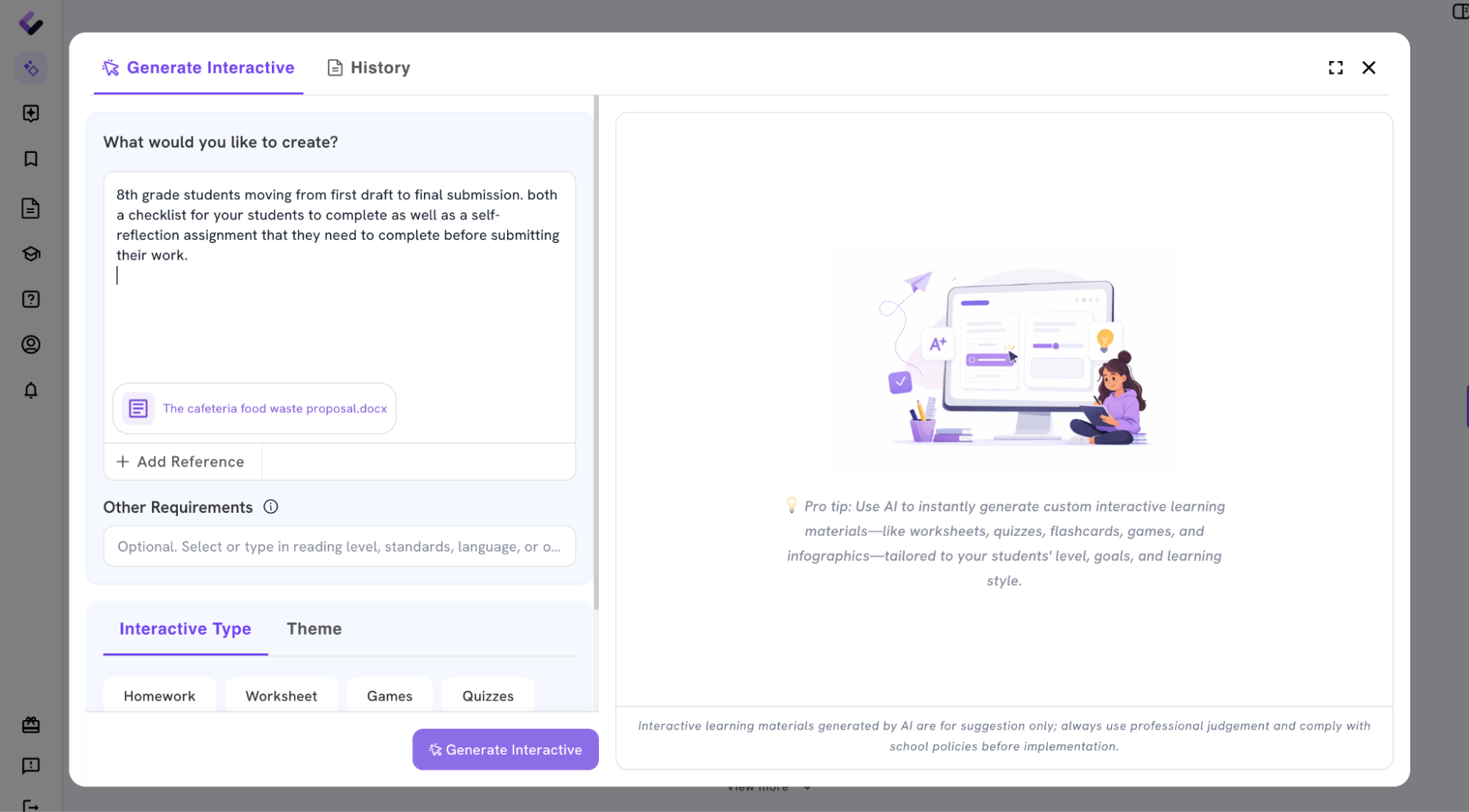
Specify In Your Prompt That You Want a Checklist and Self-reflection
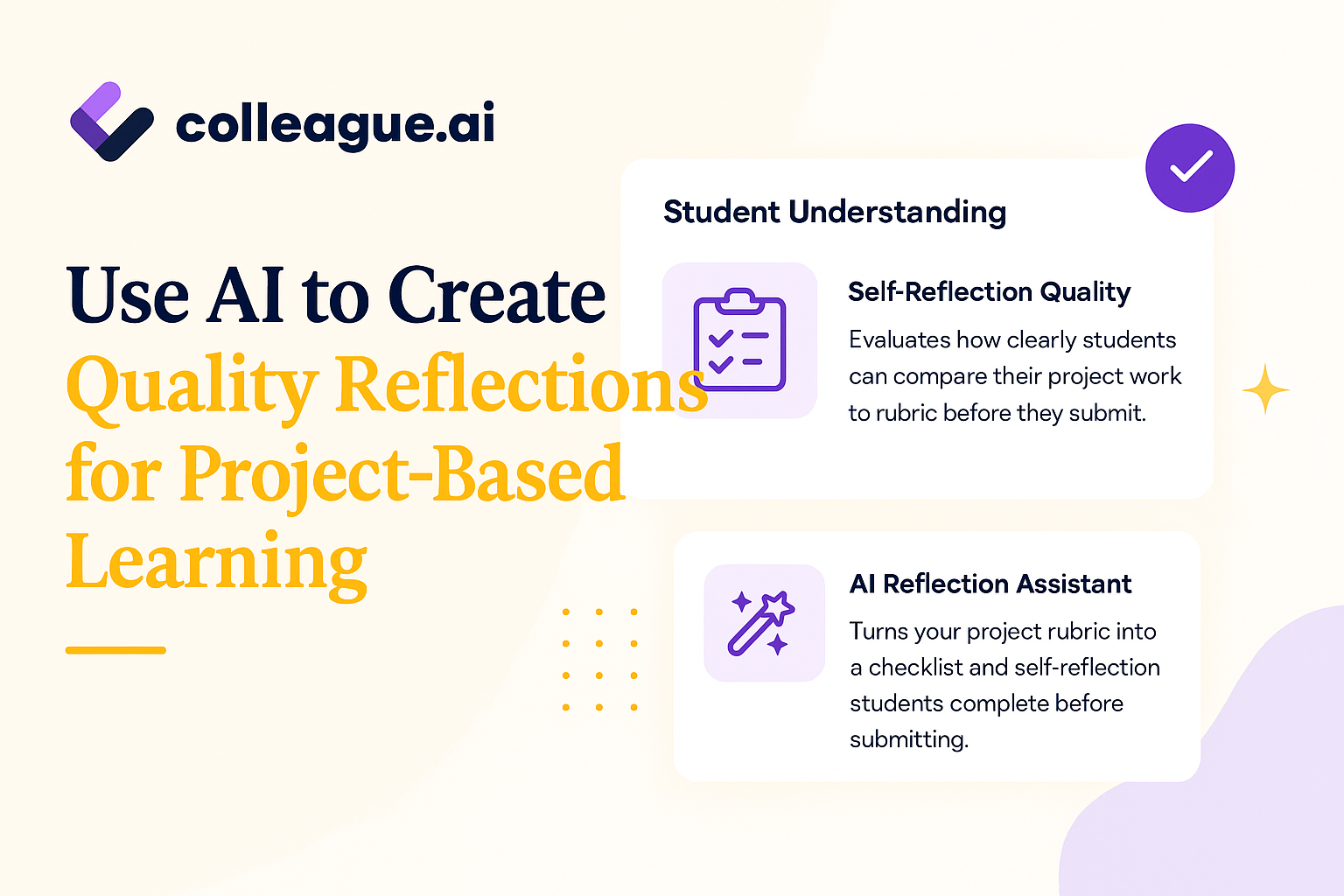
Tell Colleague AI that you want both a checklist for your students to complete as well as a self-reflection assignment that they need to complete before submitting their work.
Colleague AI will create a checklist based on the project information you provided as well as the rubric. It will also create a self-reflection for students to complete based not only on the assignment but also on project-based learning pedagogy and best practices.
Review Your Prompt, Then Generate
It’s always worthwhile to re-read your prompt before clicking “Generate”.
Ensure that you have adequately described the project, that you’ve included any attachments, included the grade level, any applicable standards, etc.
Review The Generated Checklist and Self-reflection
Colleague AI returns a self-assessment checklist built directly from your rubric language, rewritten so a seventh grader reads it as a real question about their own work instead of a grading category.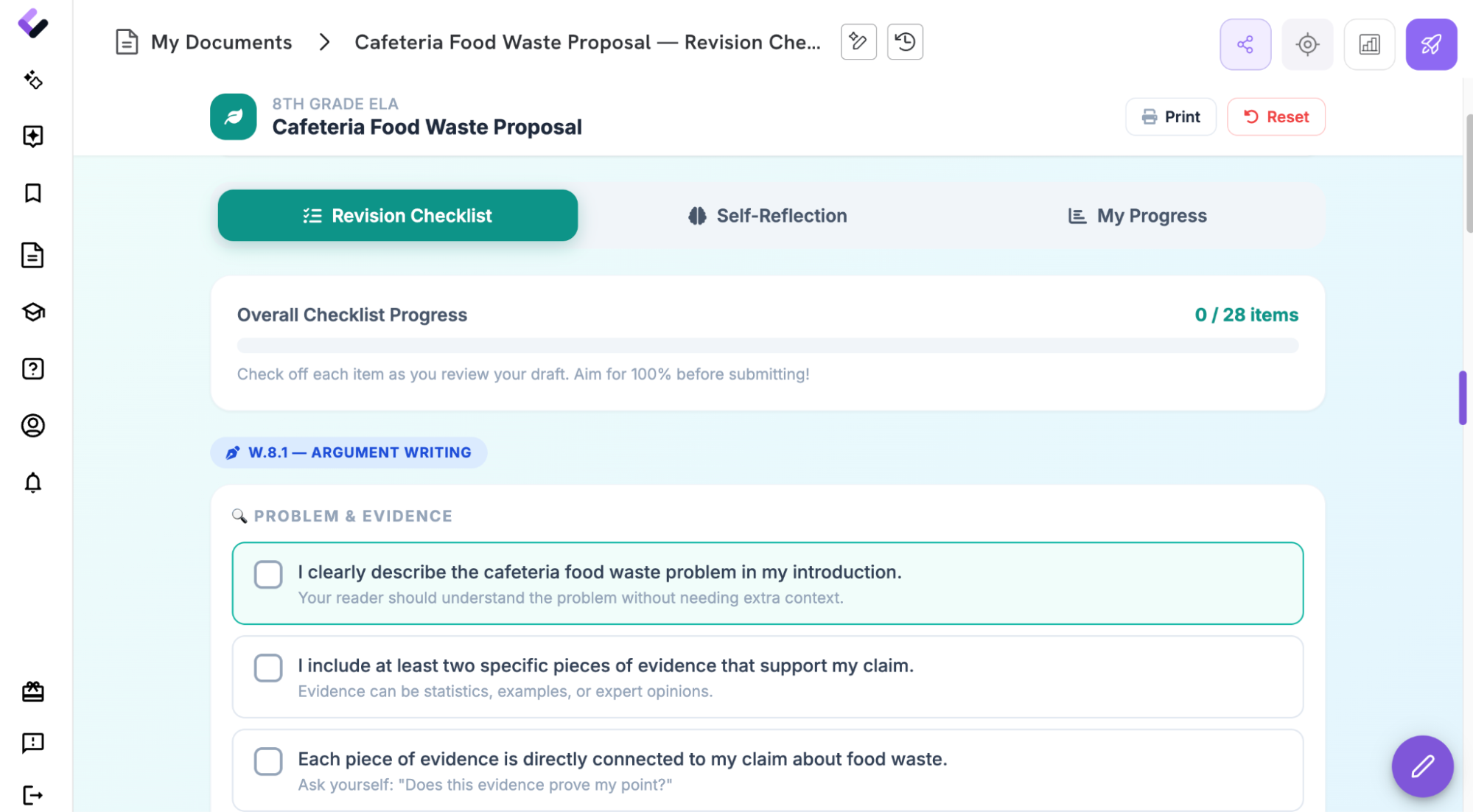
Problem & Evidence
-
I explained the problem with a specific number or example, not just “there's a lot of waste.”
-
I named where my evidence came from — a survey, an observation, an article — instead of guessing.
-
Someone who's never seen our cafeteria could picture the problem after reading my opening.
Proposed Solution
-
My solution directly fixes the problem I described, not food waste in general.
-
I explained why I chose this solution over an easier one.
-
I said what would have to change for this to actually work — schedule, staff, or money.
Feasibility
-
I estimated a real cost or time commitment, even if it's a rough number.
-
I named at least one obstacle and how I'd handle it.
-
I didn't skip this section because it was the hardest one.
Presentation & Communication
-
Someone could understand my proposal without me explaining it out loud.
-
I read it once as if I were the principal deciding whether to approve it.
-
No placeholder text, no “insert data here,” no unfinished sentences.
Get Smart! Assign This Activity BEFORE The Due Date of the Project
The checklist and self-reflection are designed to develop the skill of being able to compare your submission to the project requirements. The problem is that if students do this last minute, they have no time to remedy any gaps they may identify between their submission and the requirements.
Get smart - assign the checklist and self-reflection as an assignment to complete at least 1 day or class or period prior to the project submission deadline.
This gives students the ability to iterate on their work and learn how to close the gap between their submission and the project - another useful skill!
Try It Before Your Next Project Deadline
If you've got a project due this week, pull up the rubric you're already using. That's the only input Colleague AI needs to build a self-assessment checklist your students will actually read — before you're the one finding the gaps on a Sunday night.