At 8:07 a.m. on day two, three students arrive at your classroom door. One student's preferred language is Spanish. The second is Somali. The third is Mandarin. None of them were on yesterday's roster, and your lesson starts in 18 minutes.
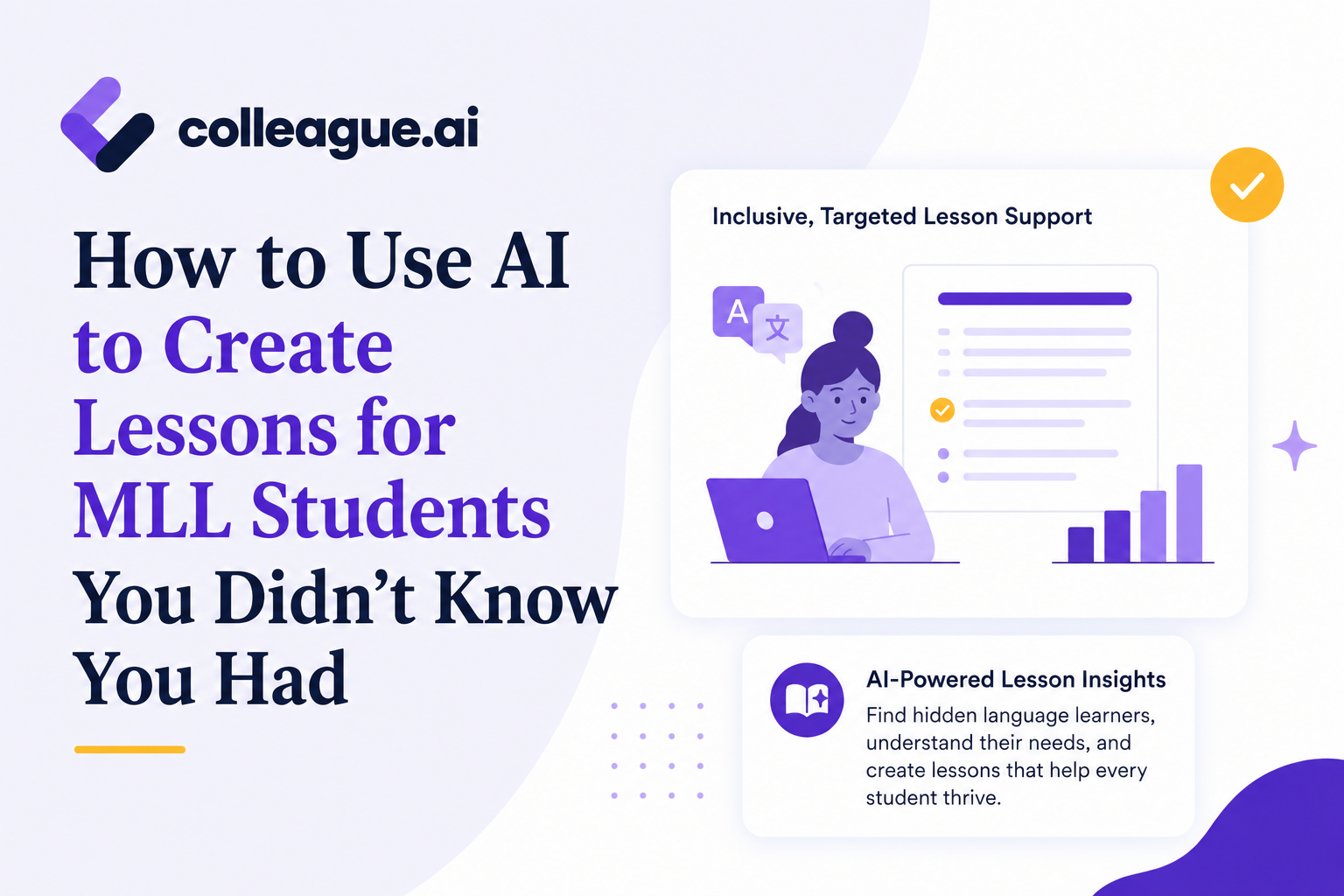
Your materials are in English. The lesson includes new vocabulary, a short reading, partner discussion, and a written exit ticket. Your prep period isn't for hours, so whatever happens next has to happen now. AI lesson plans for multilingual learners exist for exactly this situation: getting three students meaningful access to today's objective in the time you actually have, not weeks from now once formal supports are in place.
Here's how to use Colleague AI to build a multilingual diagnostic assessment and differentiated lesson materials before the bell rings.
Your First Challenge: Understand Your MLL Students and Their Capabilities
In this example, the class is starting a sixth-grade science lesson on food webs. The objective is: I can use evidence from a food web to explain how energy moves through an ecosystem. Every student, regardless of home language, works toward that same objective.
You need to quickly figure out which food-web concepts each student already understands, which vocabulary terms are familiar in English or the student's home language, whether the student can respond through matching, selecting, speaking, or writing, and which language supports will provide access during today's lesson.
A diagnostic like this gives an immediate instructional starting point. It isn't a substitute for formal English-language proficiency identification, which stays part of the district's established assessment process (the U.S. Department of Education's research on English learner identification is worth reviewing if your district's protocol needs a refresher).
Build a Multilingual Diagnostic Assessment in Under 5 Minutes
With the lesson objective and source material ready, a teacher can put together a quick diagnostic to get a baseline read on where these three students are.
1. Choose "Support Multi-lingual Learners" and enter the objective
Start in Colleague AI's "Brainstorm Ideas" feature. Paste the lesson objective, grade level, source text, and any required standards. Include the materials students will encounter during the lesson:
- the food-web diagram,
- the reading passage,
- the essential vocabulary,
- and the exit-ticket question.
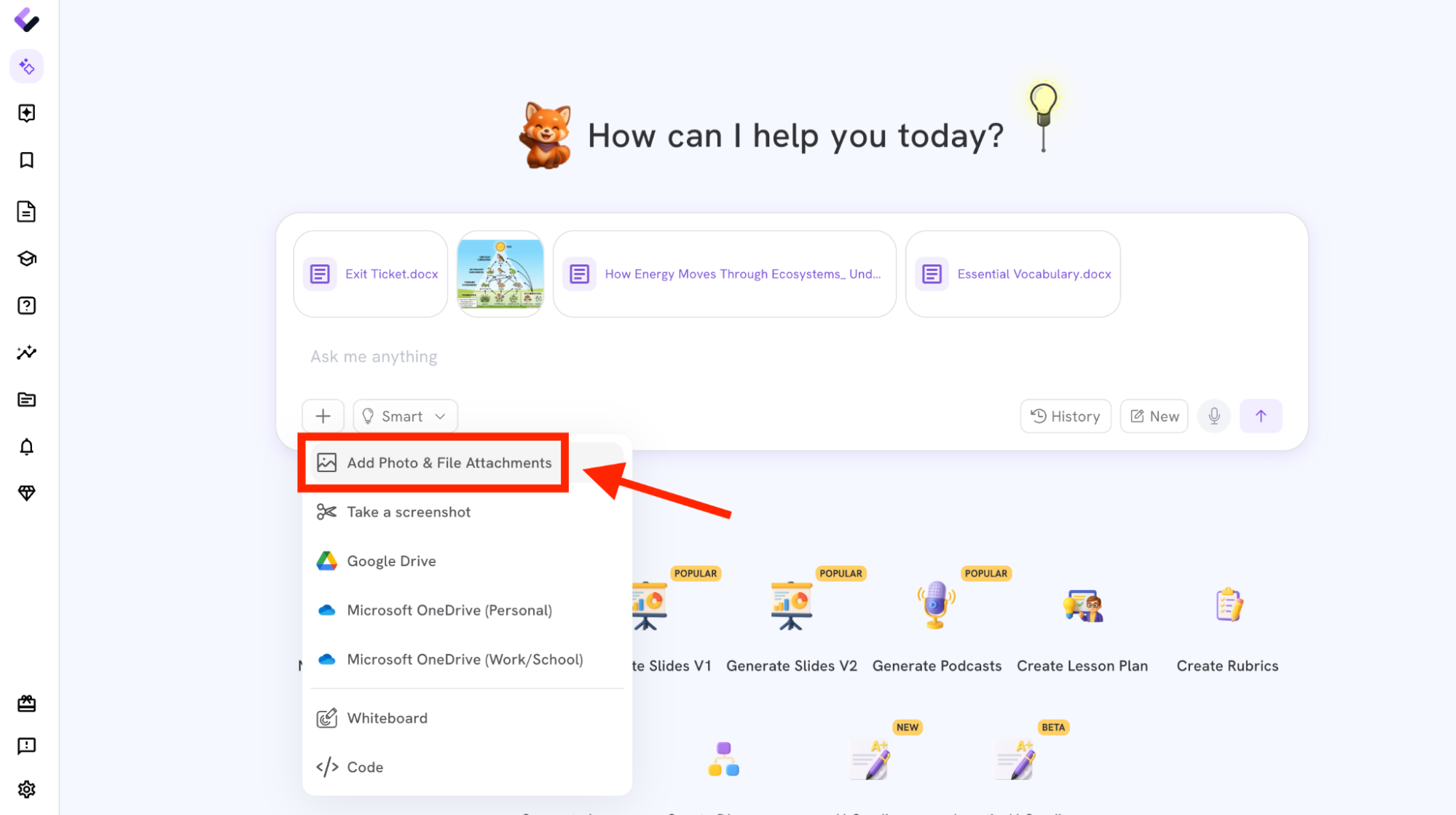
2. Describe the language supports you need
Enter the three home languages and request materials at several language-demand levels. Student names aren't needed, since the request can focus entirely on instructional information, something like: create a six-question diagnostic for a Grade 6 food-web lesson, generate versions in Spanish, Somali, and Mandarin, and build three levels of support in each: entering (visuals, matching, pointing, one-word responses), emerging (short sentences, bilingual vocabulary, sentence frames), and developing (short reading responses, evidence-based explanations). Those three terms, entering, emerging, and developing, mirror the proficiency-level language used in the WIDA English language development standards that many districts already build their EL programming around, so the output lines up with vocabulary your ESL team already uses.
Keep the science objective and level of thinking consistent across every version, and ask for teacher-facing guidance explaining what each response might reveal about a student's prior knowledge. State how long the assessment should take (in this case, 10 minutes). This works in either the "Brainstorm Ideas" feature or the "Interactive" feature; either way, these instructions tell Colleague AI what you need based on the lesson plan and how much time you have.
3. Generate and review the assessment
Colleague AI produces a short, interactive assessment. Review it against the lesson plan before handing it to students.
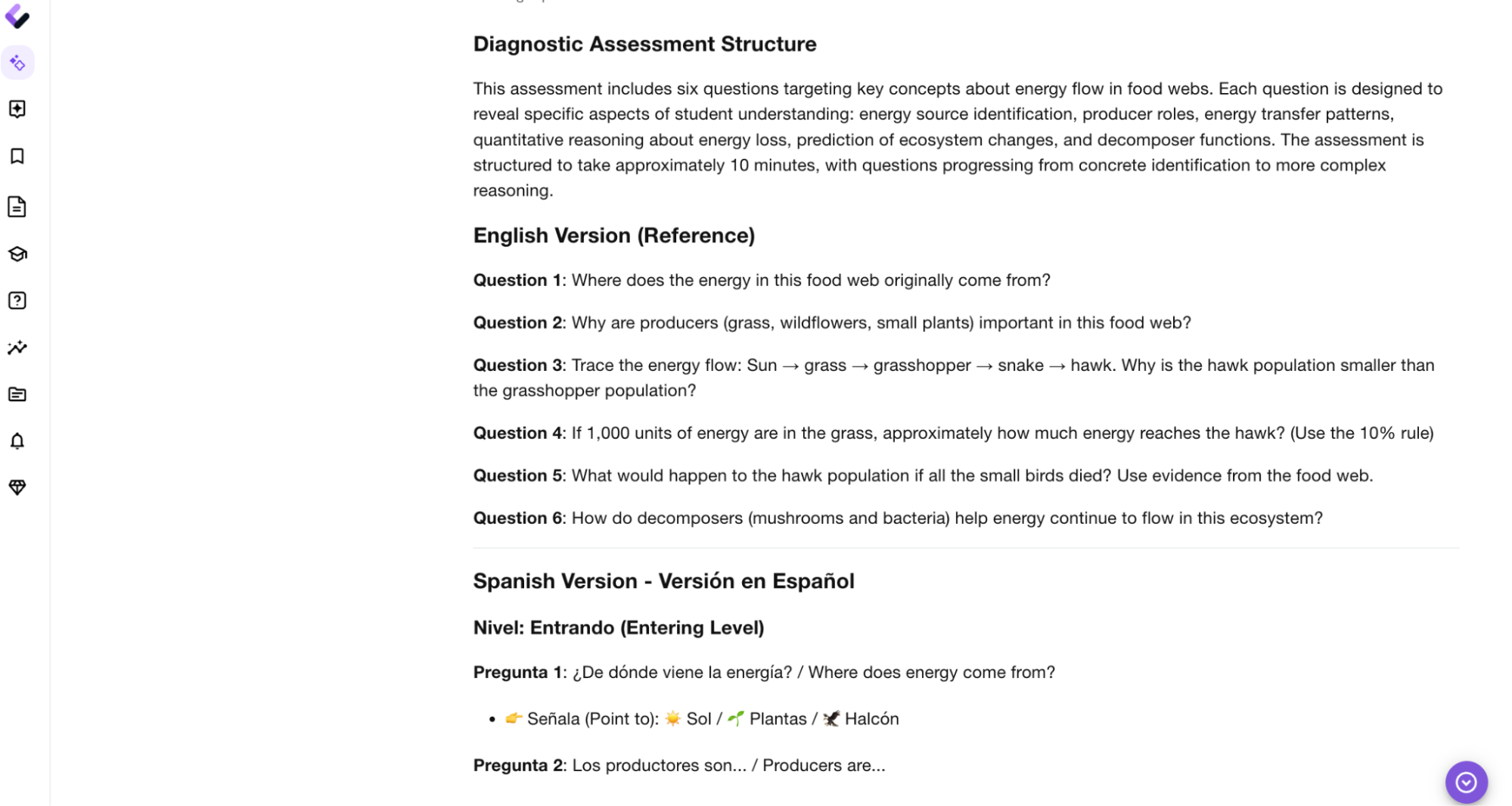
Before assigning the diagnostic, check whether every question measures the intended science concept, whether the visuals are clear and age-appropriate, whether students are getting access to the same level of thinking, whether the sentence frames support expression without supplying the answer, whether translated course terms match your district's existing materials, and whether students can respond through more than one mode.
4. Assign, print, or share
You can assign the diagnostic to your new students, print selected versions, or share the materials by link, whichever fits how your classroom runs on a given day.
5. Introduce your new students to the AI tutor
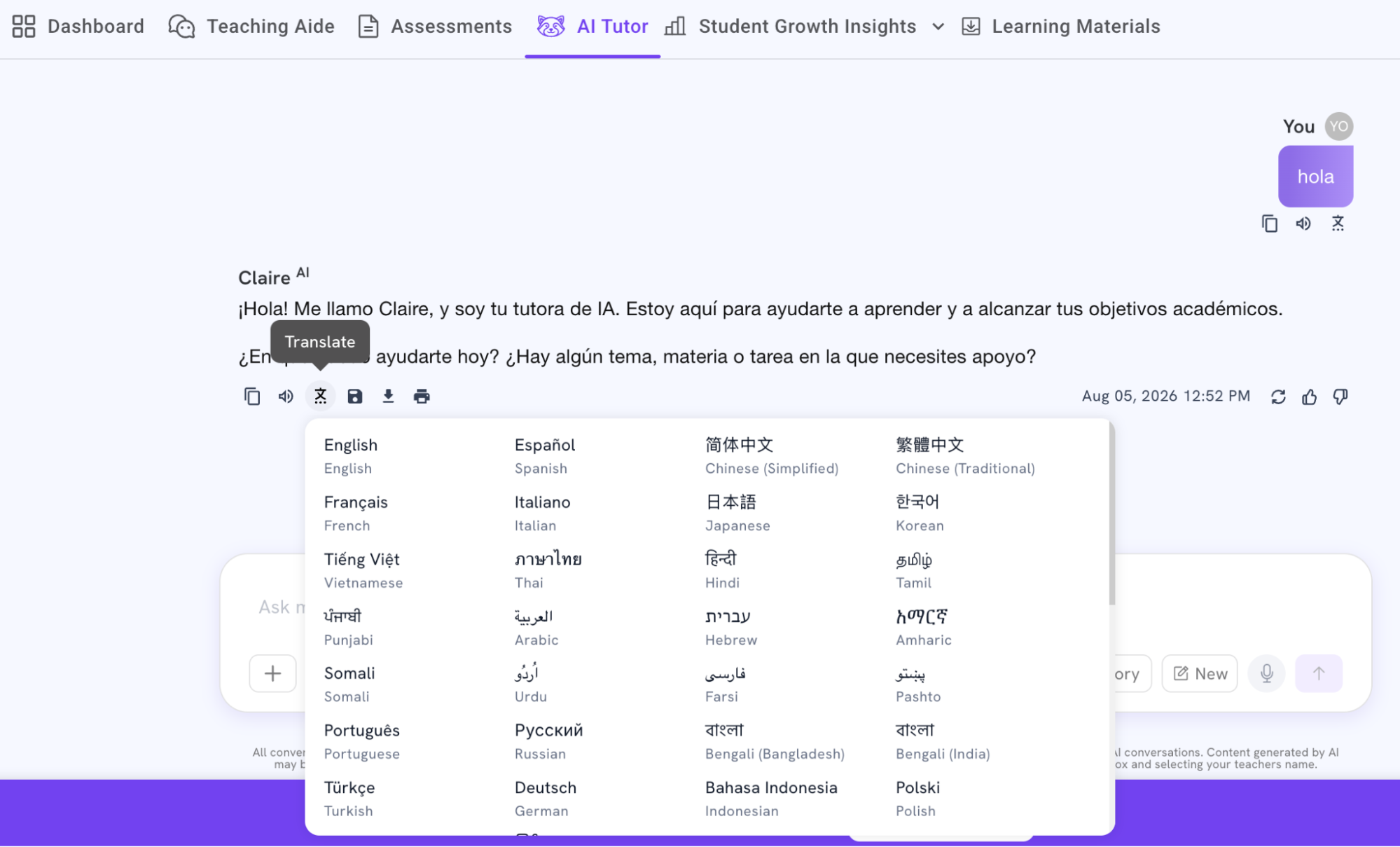
Colleague AI includes a built-in AI tutor that supports more than 50 languages. Students can ask questions, clarify directions, and work through concepts in their home language while continuing toward the teacher-selected learning objective. Show it to your students in each of their languages and encourage them to use it if they get stuck on the diagnostic.
Teachers can see any conversation a student has had with the AI tutor, which helps surface what questions they're asking, what they don't understand yet, or what mechanics are getting in the way of finishing the diagnostic.
Use the Diagnostic to Create Lessons for MLL Students
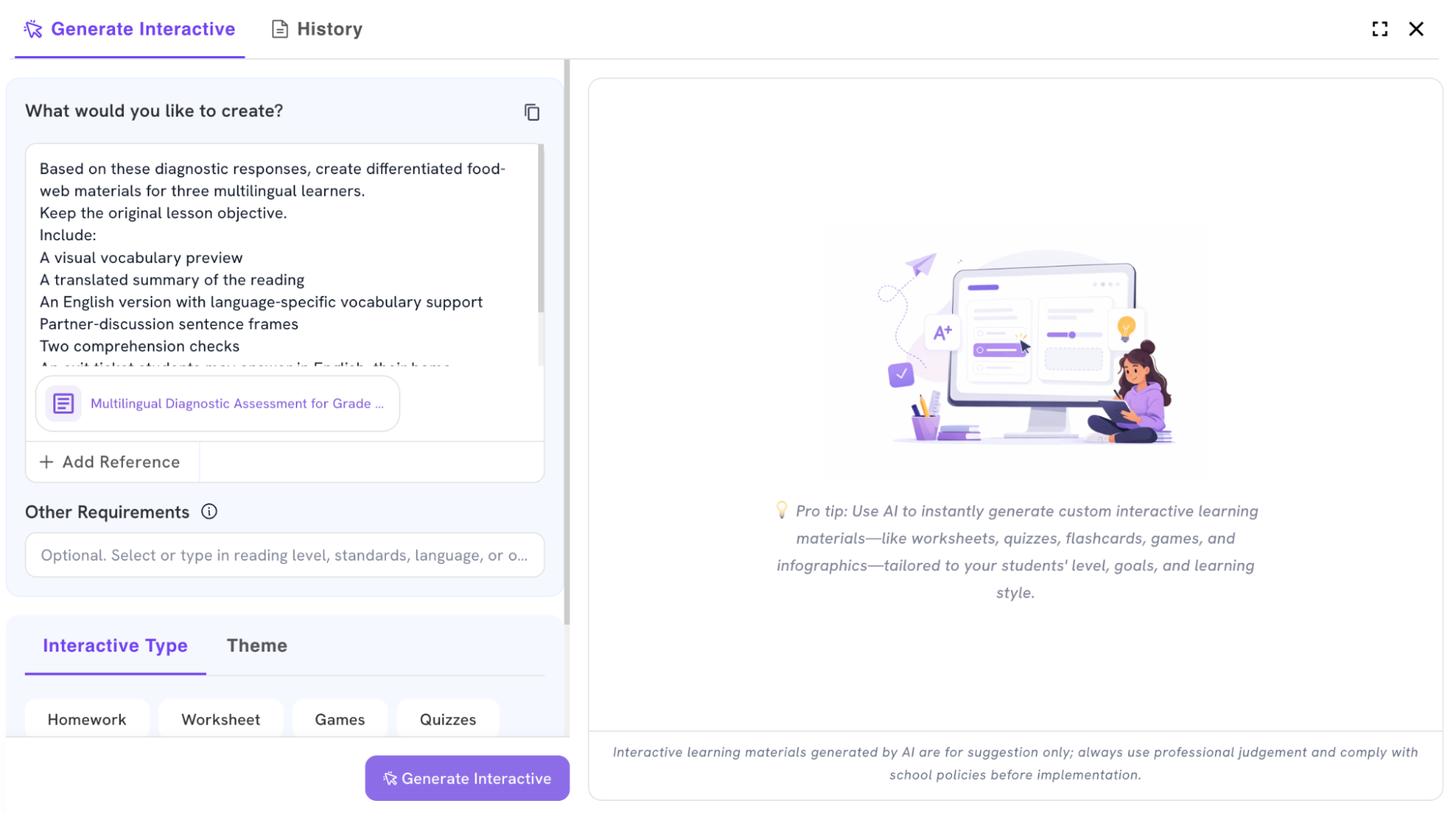
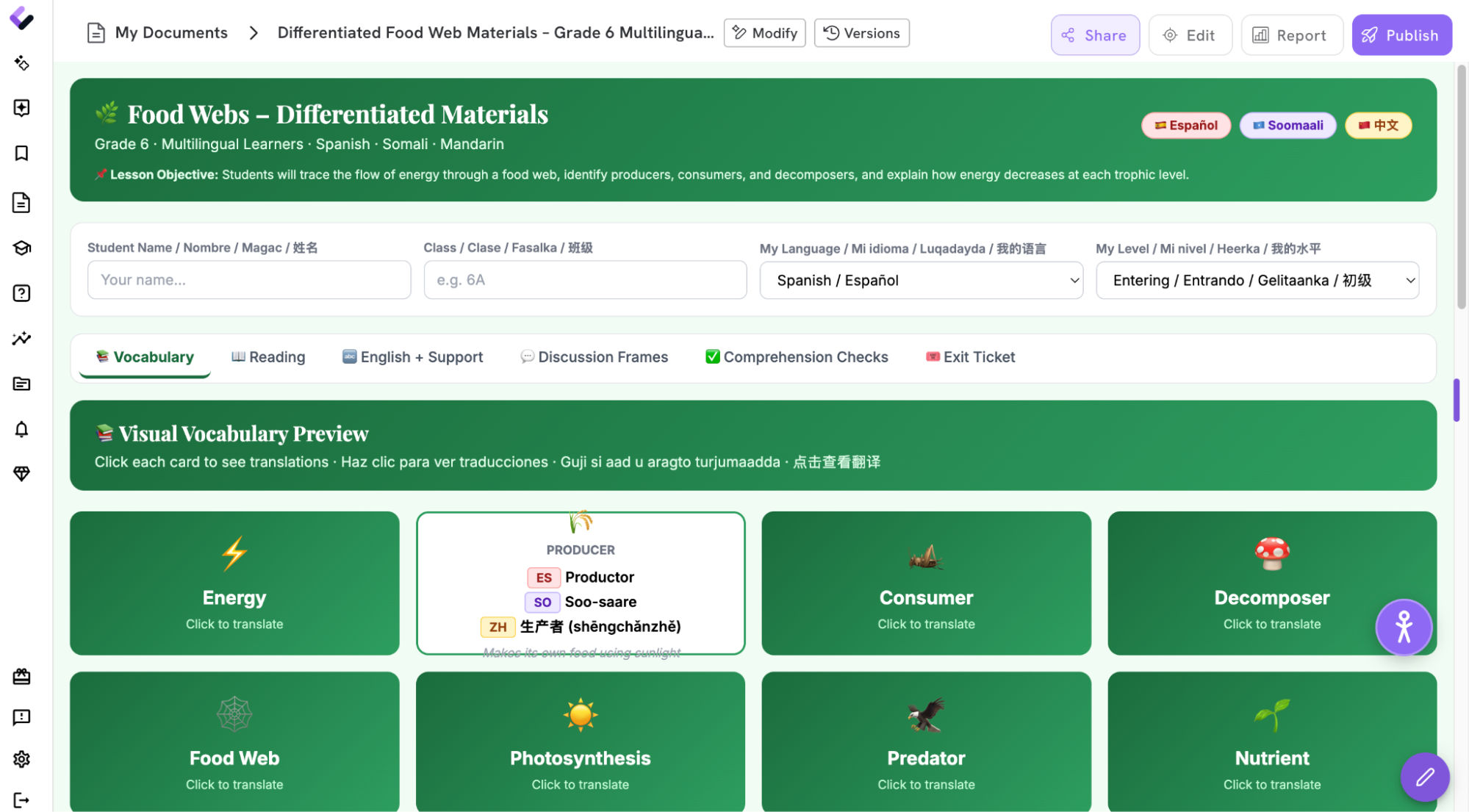
Once students complete the diagnostic, the teacher returns the results to Colleague AI and requests materials for the same day's lesson. A follow-up prompt might read: based on these diagnostic responses, create differentiated food-web materials for three multilingual learners, keeping the original lesson objective, and include a visual vocabulary preview, a translated summary of the reading, an English version with language-specific vocabulary support, partner-discussion sentence frames, two comprehension checks, and an exit ticket students may answer in English, their home language, or a combination of both.
Colleague AI can generate a classroom-ready set of materials in Spanish, Somali, and Mandarin by adding a request for a translation button in each needed language, or students can control their own translations through the platform's accessibility feature.
What the Spanish materials might include
- A bilingual food-web vocabulary chart
- A short Spanish preview of the English reading
- English sentence frames for partner discussion
- A choice between written and recorded responses
What the Somali materials might include
- Visual vocabulary cards with Somali and English labels
- Chunked directions
- Matching and sequencing tasks
- An oral-response option supported by the AI tutor
What the Mandarin materials might include
- A Mandarin overview of the core concept
- Side-by-side key terms
- An annotated English reading
- Evidence-based response frames matched to the student's current language demand
Every student works toward the same science objective. The materials just open several paths to encounter the content, show what they know, and build academic English along the way rather than off to the side of the lesson.
Building a diagnostic in three languages and three adjusted lesson plans in 18 minutes wasn't a realistic option before tools like this existed.
The Speed to Create Lessons for MLL Students Changes Their Learning Experience
The diagnostic reveals which students already understand food chains, which recognize the concepts in another language, and which need more visual or vocabulary support before they can show what they know. The translated materials let students start learning immediately, and the English-language supports stay tied to the lesson instead of becoming a separate activity at the edge of the classroom. None of this would have been possible in such a short time-frame prior to good AI tools - the MLL students would have waited or just had to struggle through things in English, wasting valuable learning time.
None of this replaces the work of an ESL team or a formal identification process. What it does is close the gap between a student arriving with no warning and that student having real access to the day's objective, which is a gap that used to cost hours a teacher on day two simply doesn't have. Colleague AI's multilingual learning support is built for exactly this scenario, alongside differentiated instruction support for the rest of your class.
Try the platform for free