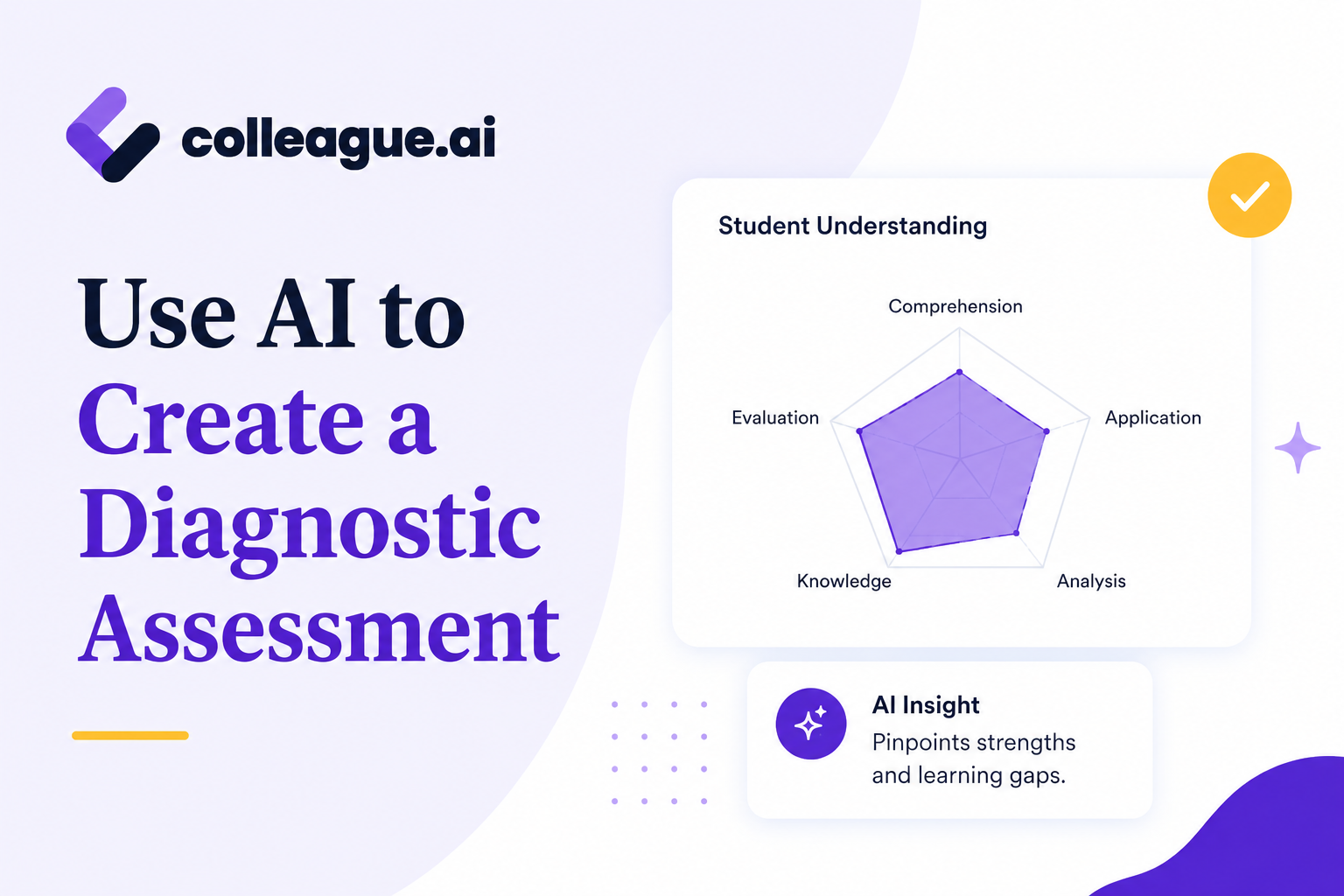
The beginning of the school year means a time to get to know your new students - and what they're capable of. If you're reading this at 10pm because you can't stop thinking about your class list, this one's for you. Below we share how to use AI to create a diagnostic assessment, in any subject, for any grade.
Day Three: Create a Diagnostic Assessment to Understand Students' Capabilities
The icebreakers are done. The syllabus is done. You know maybe a third of the names, and you're already behind on the rest.
Now comes the question that actually shapes your year: what do these kids already know? Not what the pacing guide assumes, but what does this class, the one in front of you right now, with a few students who spent the summer in enrichment programs, a few who lost two months to a move, and a couple you are reading more than three grade levels below target.
You need to understand where your students are coming in before you can build a real plan for the week, the unit, and the semester, let alone the year….but you do not have three planning periods to build a diagnostic assessment! Here's where AI can help.
What Colleague AI Does Here
Creating a diagnostic assignment is one of the most common requests Colleague AI sees in the first two weeks of school. Fellow educators are looking for diagnostic assessments that are:
Standards-aligned
Not a generic pre-test but a diagnostic that is built against the actual grade-level standards for the course.
Grade-appropriate
Short enough for one class period, written at a reading level students can access.
Differentiated by level
Questions span below-grade-level, on-grade-level, and above-grade-level, so the results show where students actually are.
Scorable fast
We don't have time to invent a grading scheme from scratch on a Wednesday night.
Colleague AI builds all of this from grade level, subject, standards, and whatever context matters about your particular class. What comes back is a finished assessment ready for distribution, but one that you can also edit after being generated.
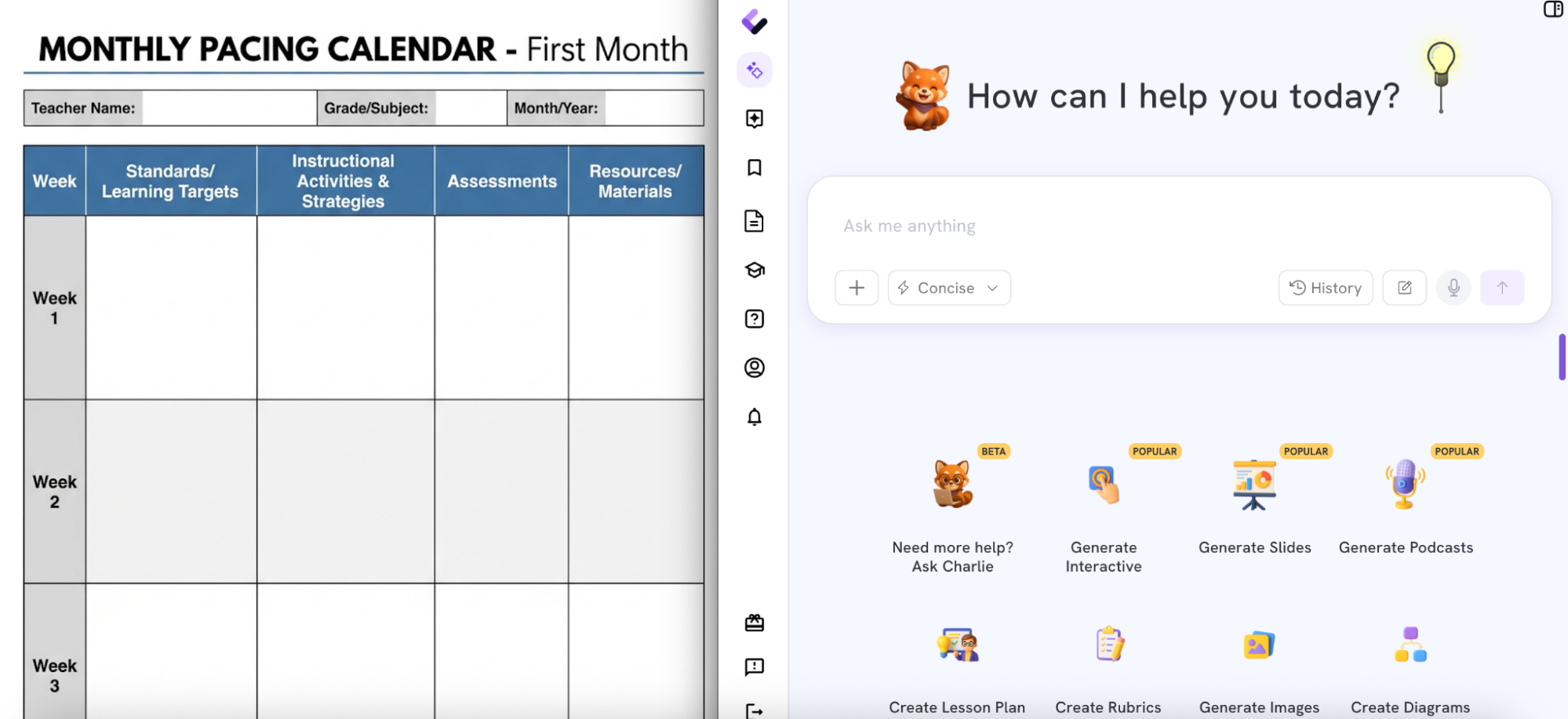
How to Build a Diagnostic Assessment, Step by Step
Step 1: Prompt for a “diagnostic” as the assessment type
On the Brainstorm Ideas Feature, the teacher prompts:
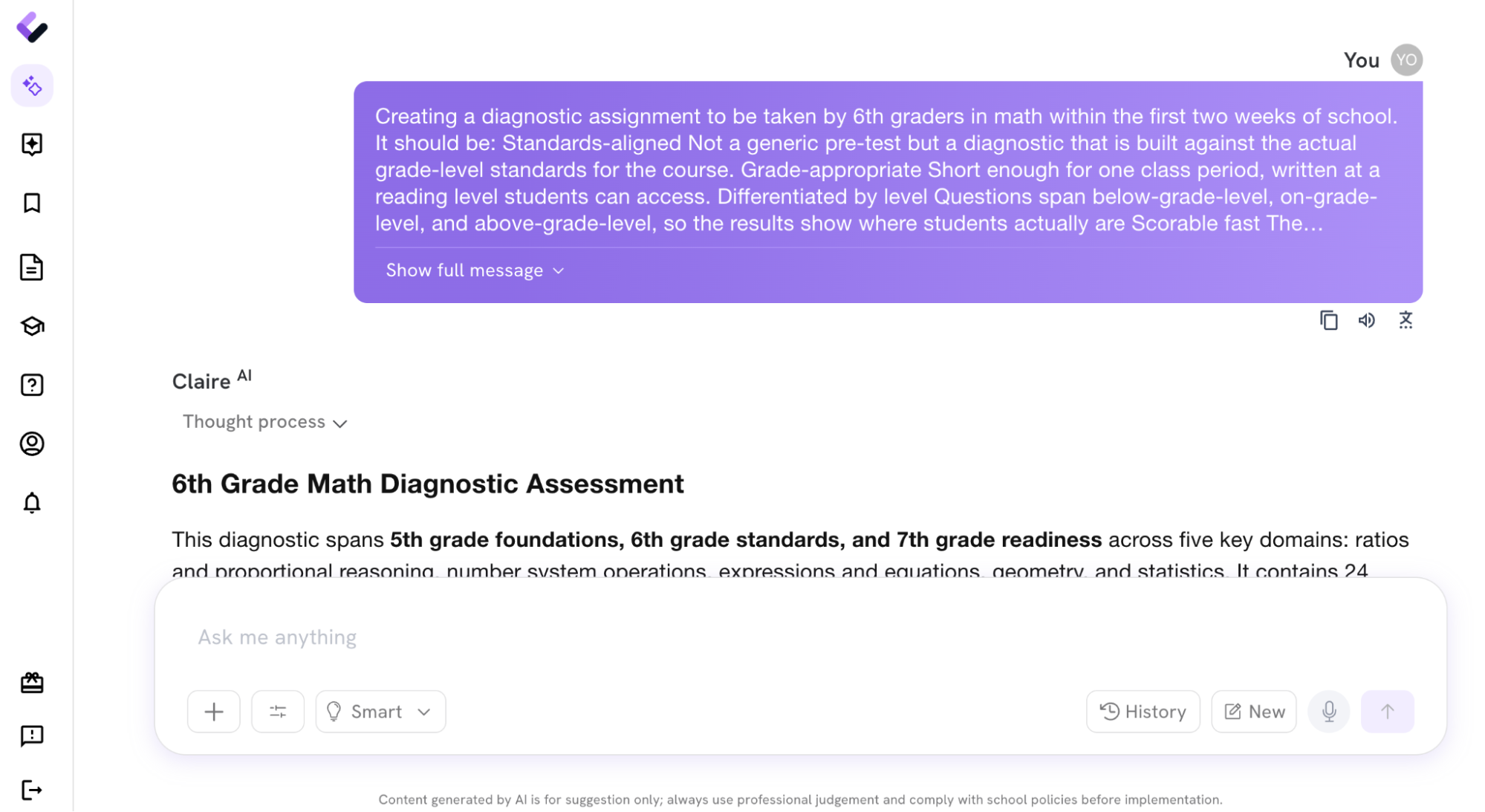
Creating a diagnostic assignment to be taken by 6th graders in math within the first two weeks of school. It should be:
- Common Core Standards-aligned
Not a generic pre-test but a diagnostic that is built against the actual grade-level standards for the course. - Grade-appropriate
Short enough for one class period, written at a reading level students can access. - Differentiated by level
Questions span below-grade-level, on-grade-level, and above-grade-level, so the results show where students actually are - Scorable fast
The formatting should be so it can be printed portrait on 8.5 by 11
Note that the teacher enters the grade, subject, and standards into their prompt.
Step 2: Review the generated diagnostic
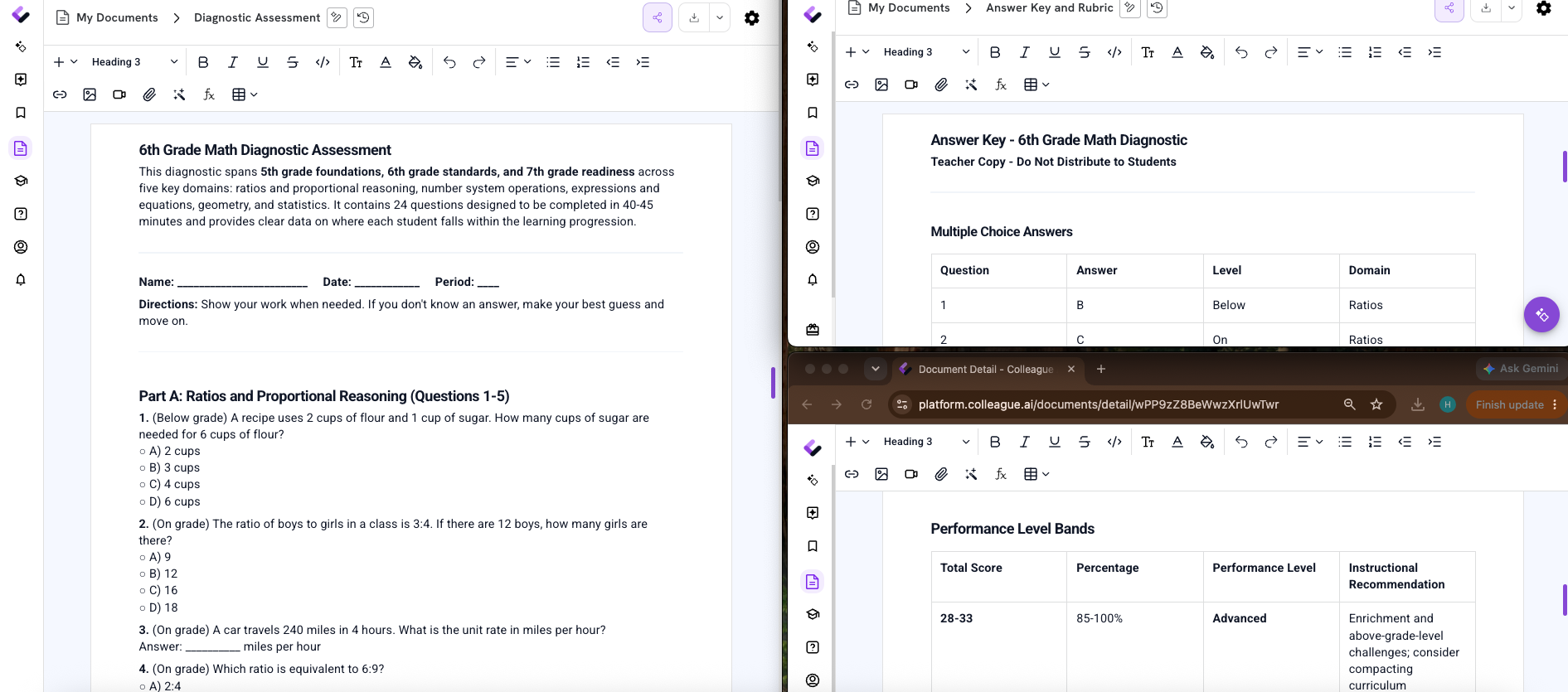
Colleague AI produces the full assessment: questions across all three difficulty levels, tagged so the teacher can see which question tests which skill.
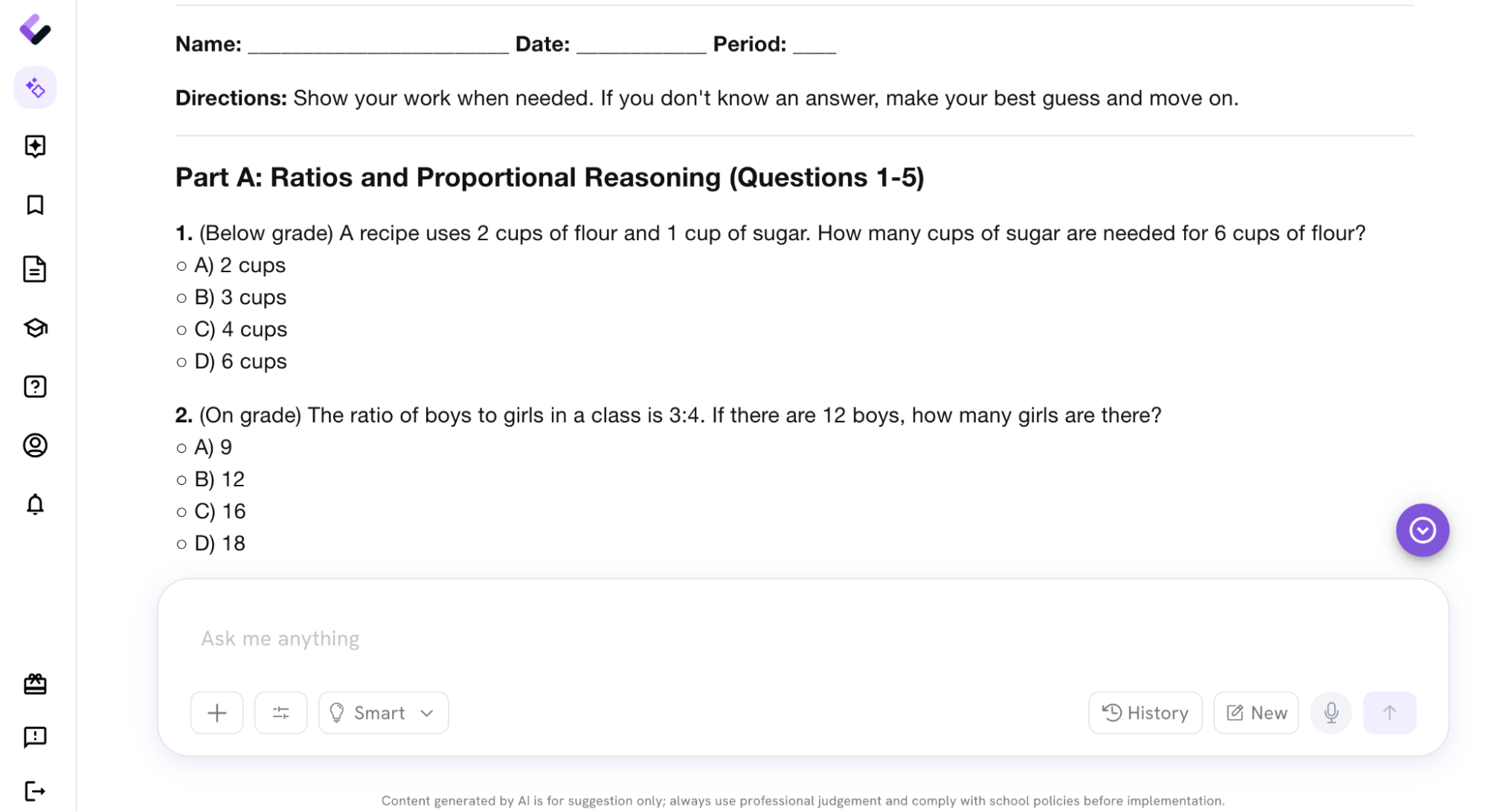
Step 3: Edit anything that doesn't fit
This step isn't optional, and it isn't a formality either. Swap a question, adjust the wording, reorder something. It's the teacher's assessment, not a handed-down final product.
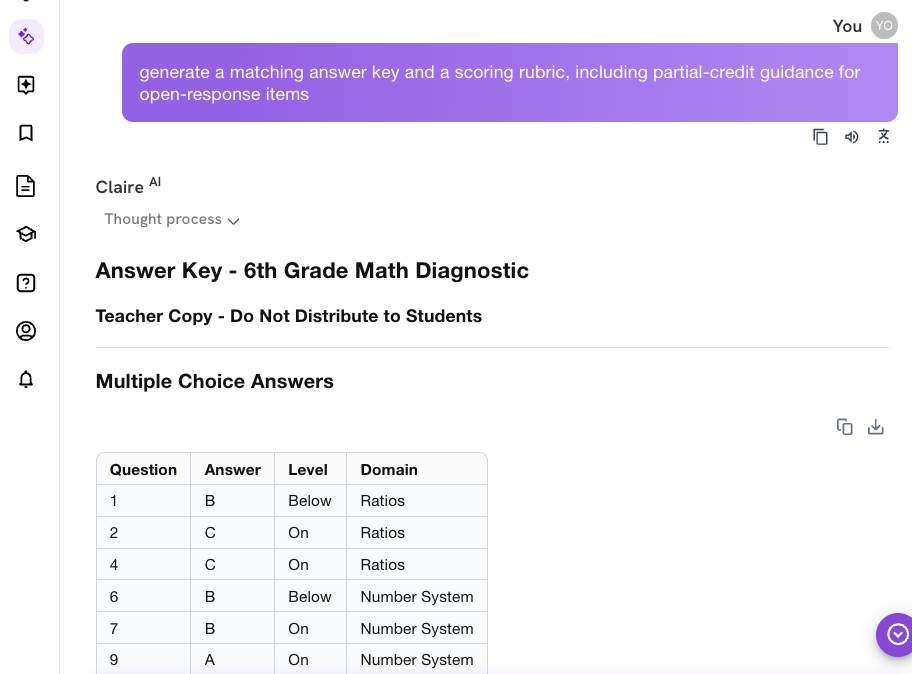
Step 4: Generate the answer key and rubric
Once the diagnostic is finalized, the teacher prompts Colleague AI to generate a matching answer key and a scoring rubric, including partial-credit guidance for open-response items.
Step 5: Export and go
Print it, upload it to the LMS, or send it to a co-teacher, same period.
What's In Hand by the End of the Day
A great AI platform doesn't just generate the assessment; it ensures you have everything you need to actually use it, distribute, and grade it:
The diagnostic
Tied to real grade-level standards, not a generic template.
The spread
Questions across three levels, so results show where each student actually is, not just a pass or fail.
The answer key
Complete, matched to the final version of the assessment.
The rubric
Ready to score, including the open-response questions.
The pacing decisions that follow, which units need more time, which students need support built in from week one, which skills the class already has, those are calls only the teacher can make.
The standards alignment and differentiation logic are programmed into our AI models and system so that it's easier for you to help students at all capability levels to succeed this year without compromising on quality of instruction or instructional best practices.Try Colleague AI for free