
Turn any lesson into a classroom slides
in minutes.
Give Colleague AI a subject, a theme, a standard, or a lesson plan you've already written, and it builds a full set of presentation slides for your class — grade-level appropriate too - ready for you to review before you teach it.
Try it now →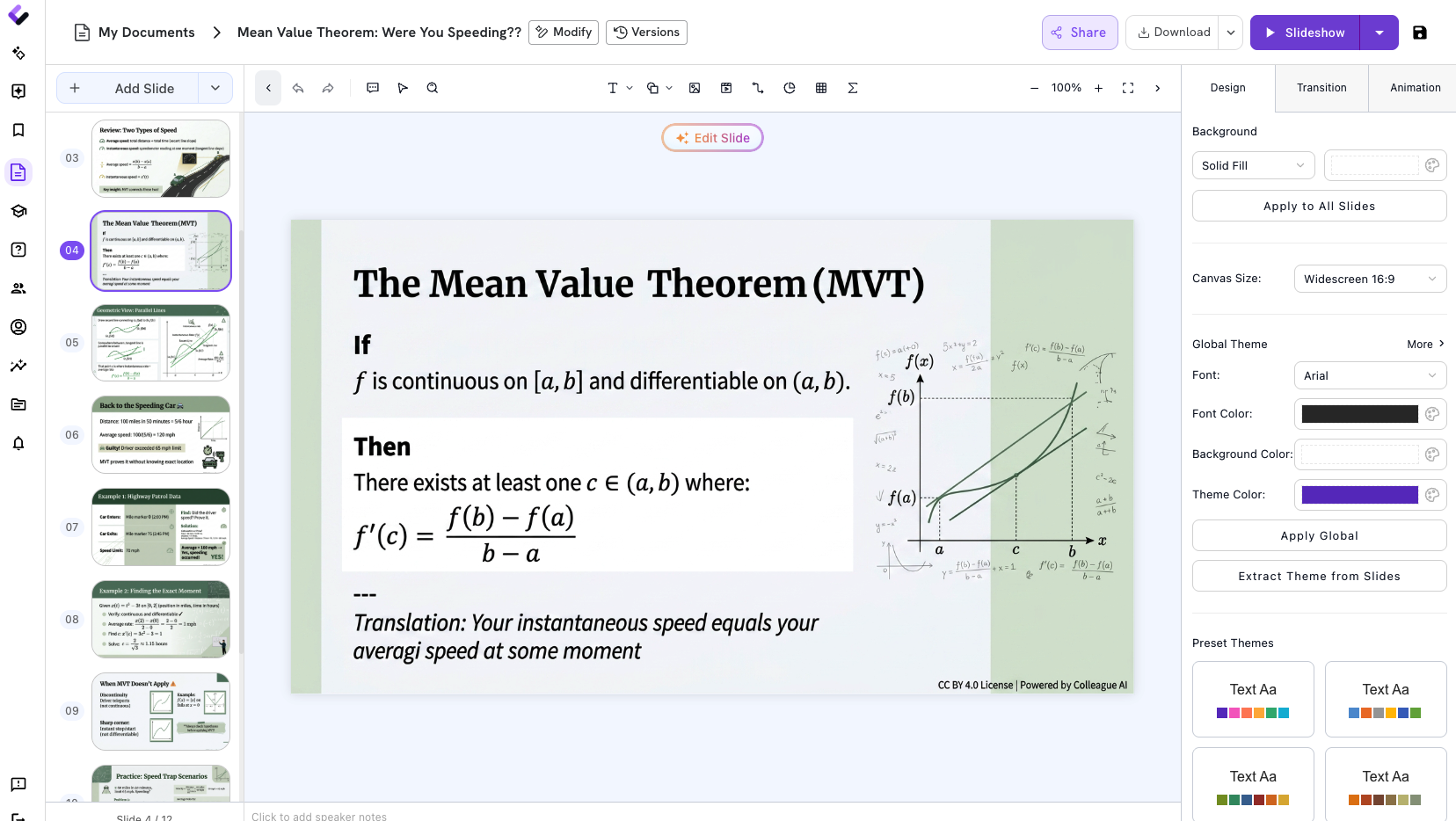
A good presentation takes research, structure, and design. Most nights you have twenty minutes.
Building slides for a new topic means more than typing up bullet points. You're pulling together accurate content, sequencing it so it actually teaches something, and making it look like a lesson instead of a wall of text — on top of everything else on tonight's list.
Getting the content right
Pulling together accurate, grade-appropriate information on a topic — sometimes one you haven't taught in years, if ever.
Sequencing it like a lesson
A deck that teaches builds understanding slide by slide. It's not the same as dropping facts onto a template.
Doing it again next week
Every new unit, standard, or theme means starting over from a blank deck — again.
Three steps, and your classroom slides are ready to review
Colleague AI handles the research, the sequencing, and the formatting. You choose the topic, review what it built, and adjust anything that needs your judgment before it goes in front of your class.
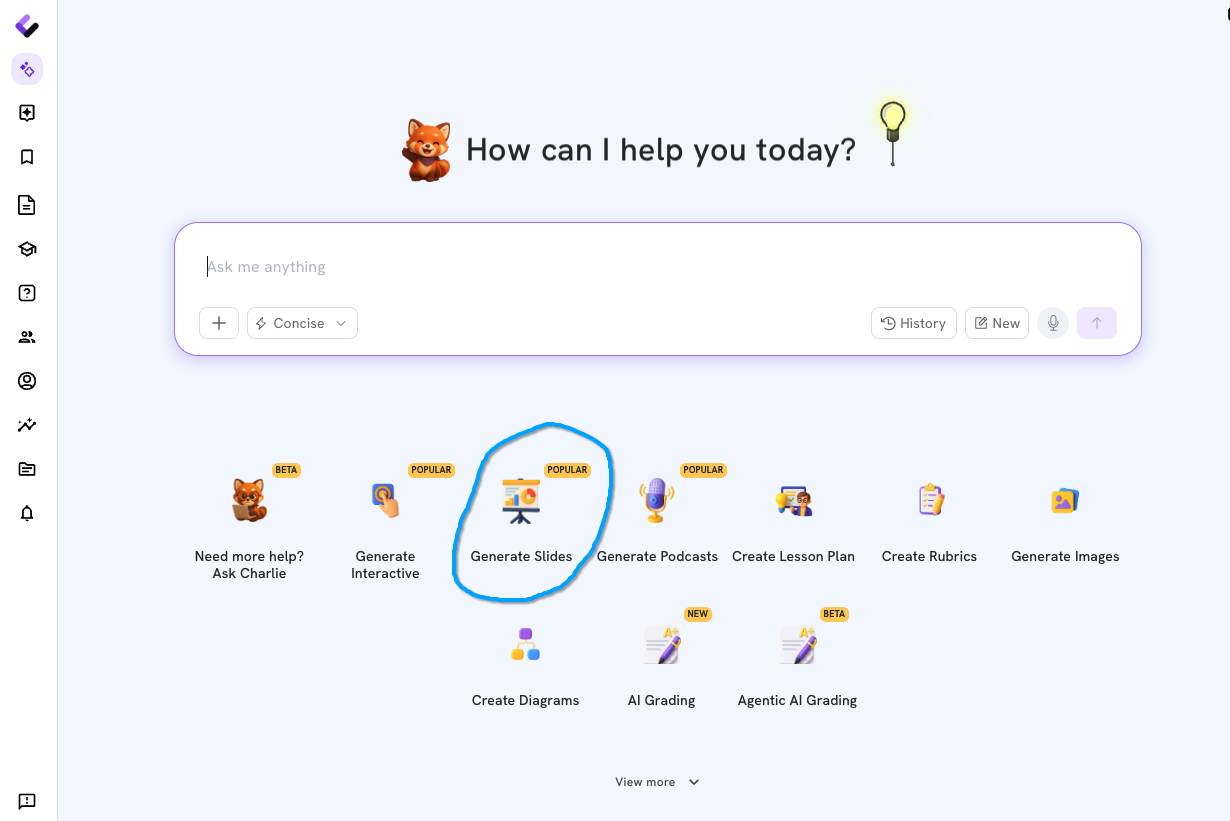
Choose "Create Slides."
Open Colleague AI and select Create Slides from your workspace. There's no template to pick first and no blank deck to stare at — just a starting point.
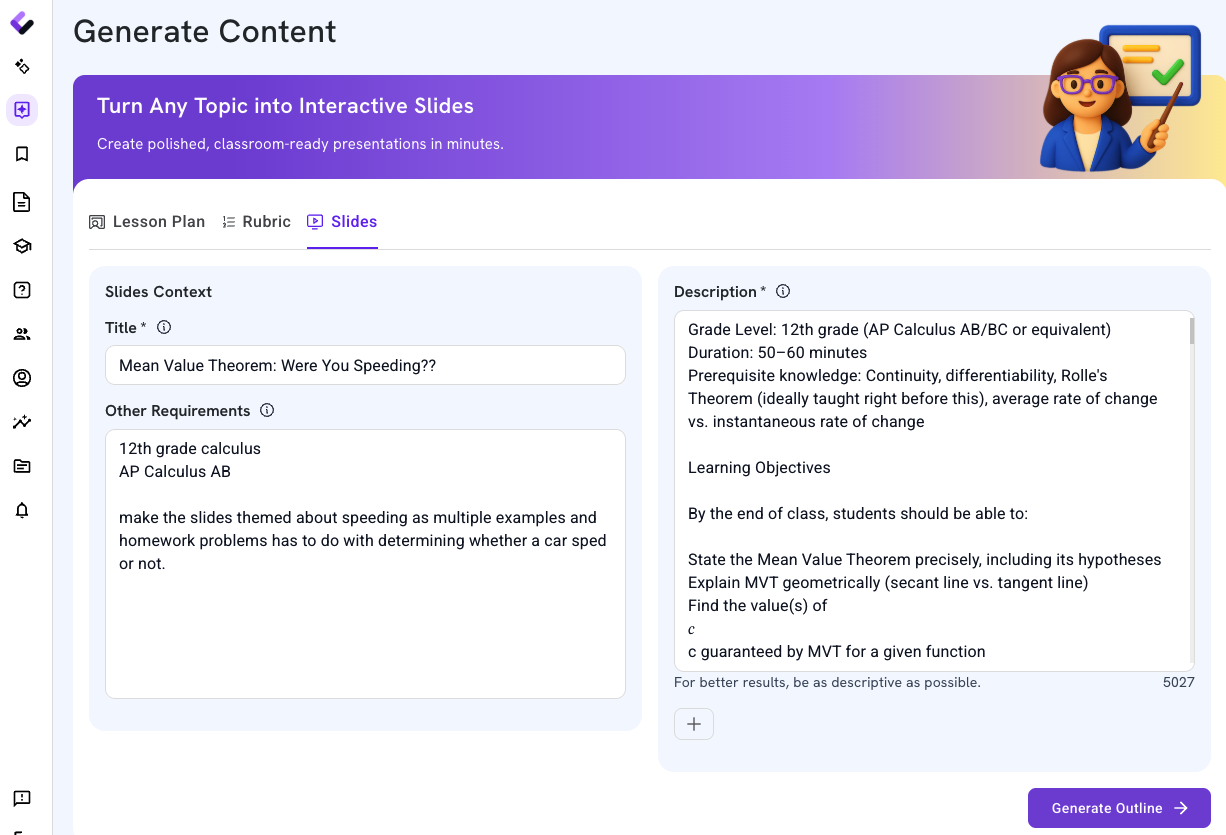
Enter your prompt and choose your options.
Tell it the subject, theme, or standard — or paste in a lesson plan you've already written and let it build the deck around that. Set the number of slides, grade level, and any other options for the class you're teaching.
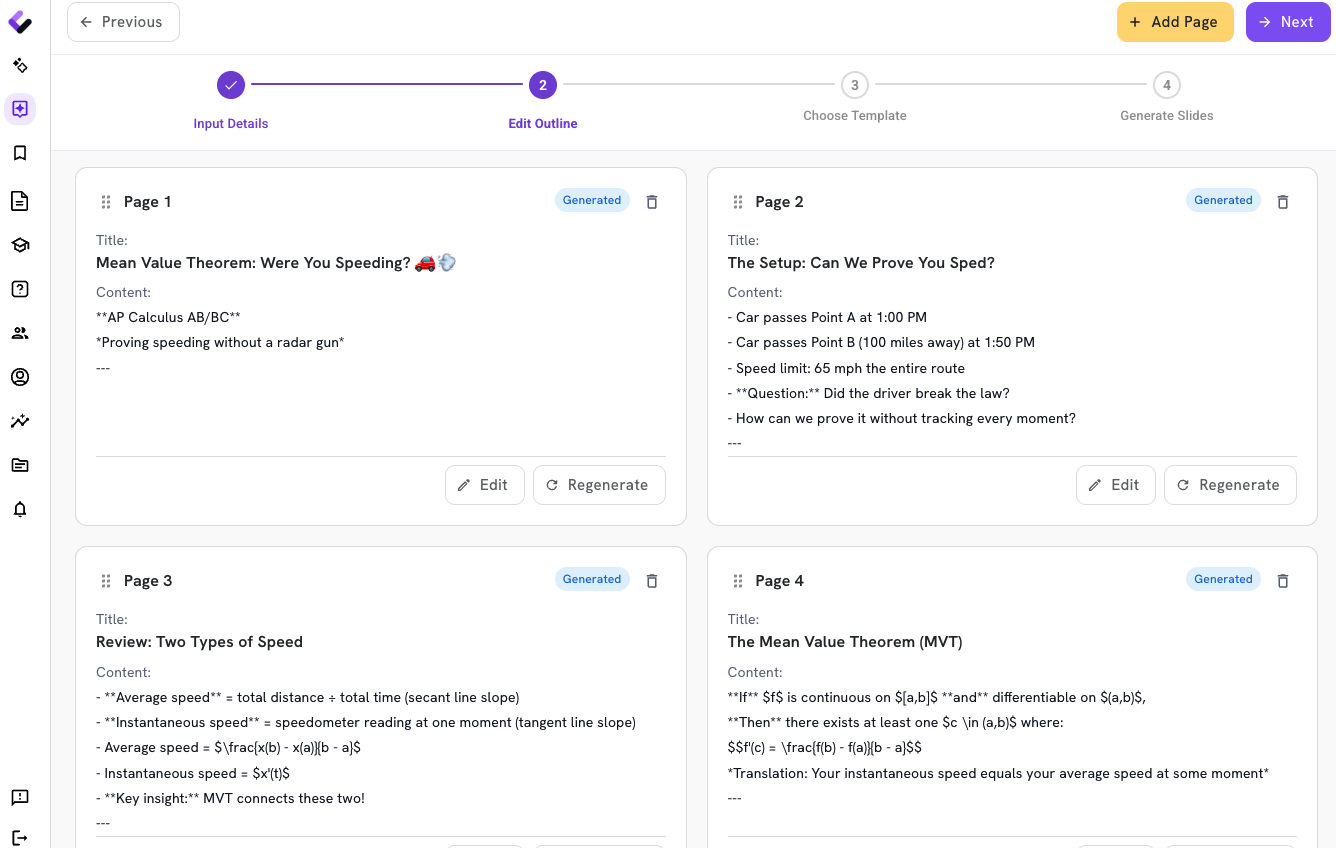
Review the classroom slides outline.
Read through the deck slide by slide: the content, the sequencing, and whether it actually teaches the standard. Colleague AI is built on pedagogical research, but the review is yours — catch anything you'd want to change before you generate it.
Generate your classroom slides and review.
Once you've reviewed the outline, content, and theme, generate your slides. When they're ready, review them and make any edits accordingly.
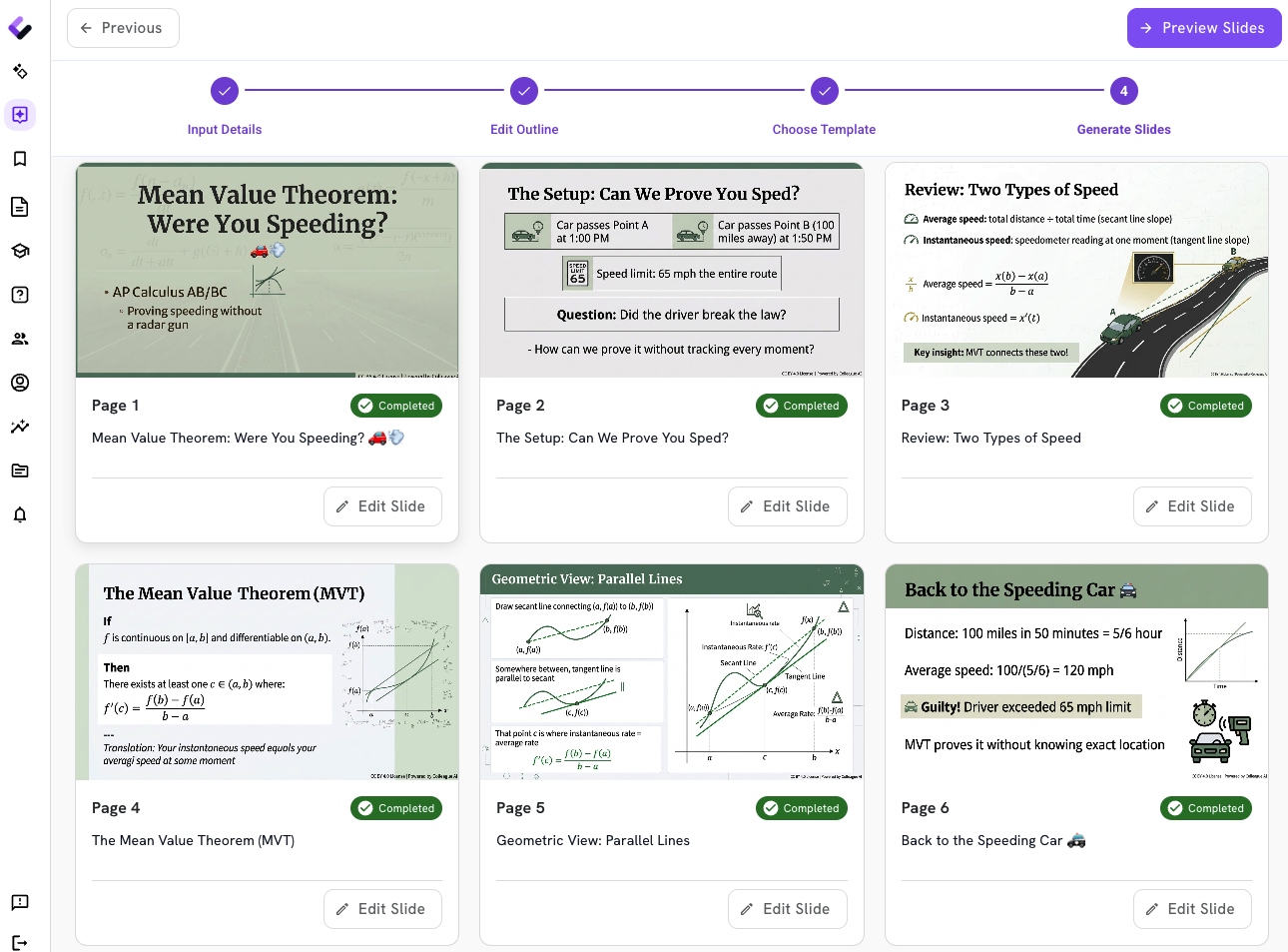
Any subject. Any standard. Your lesson, if you've already got one.
A generated deck is only useful if it fits the class in front of you. Colleague AI builds around your topic and your standards, not a generic template — and it's built to be checked before it's taught.
Subject, theme, or standard — your call.
Tell it what you're teaching and how you want it framed, from a specific academic standard to a class theme week, and it builds the deck around that.
Already have a lesson written? Start there.
Paste in your lesson plan and Colleague AI builds slides that follow it — same objective, same sequence, presented to your class.
Built to be checked, not just clicked through.
Every deck is meant to be reviewed before it's taught — for accuracy, sequencing, and whether it teaches the standard instead of just naming it.
Stop building slides from scratch. Start reviewing them.
Choose Create Slides, tell Colleague AI what you're teaching, and review a full presentation deck built around your subject, standard, or lesson plan — before it ever reaches your class.
Try it now →